
The Digital Accessibility Gap In Education Is Growing Fast
Education has moved online faster than schools could plan for. raising new questions about the accessibility of education. Classes now depend on websites, learning platforms, PDFs, videos, and apps. That shift helps many students, but it also leaves others behind.
When a student cannot read a worksheet because it is an image, that student is blocked. When a video has no captions, that student loses information. When a quiz does not work with a keyboard, the student cannot finish the test.
These are not rare edge cases. They are everyday barriers that add up fast.
One reason this is getting worse is that the web itself is still full of accessibility failures. In WebAIM’s Million report, 95.9% of the top one million home pages had detectable WCAG failures. That tells us something important: if the broader web struggles, education systems that rely on the same tools and habits will struggle too.
This is why the Accessibility gap in education feels more visible now. Students are expected to learn through digital content every day, not only as a backup option.
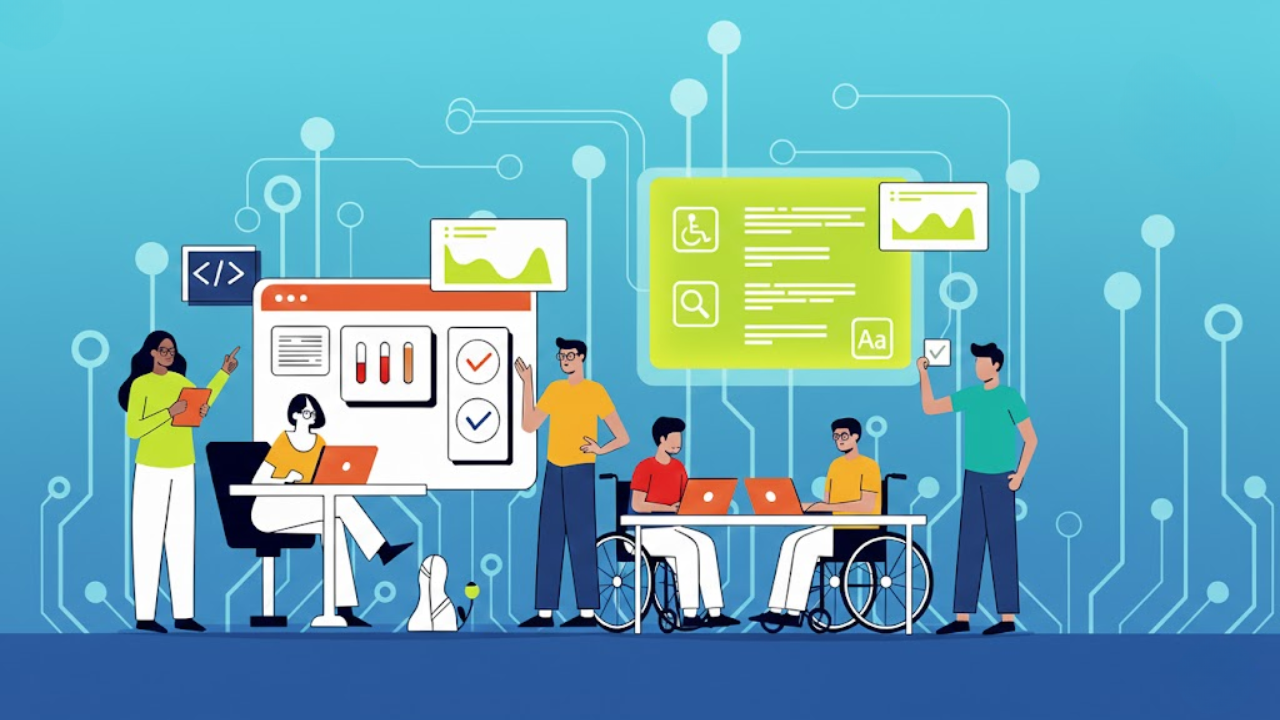
What Digital Accessibility Means
Digital accessibility means students can use online learning materials even if they:
Use a screen reader
need captions or transcripts
cannot use a mouse and rely on a keyboard
need larger text or stronger contrast
process information differently and need a clear structure
Accessible content is not “special content.” It is content built in a way that more people can use without extra help.
Why The Gap Is Growing Instead Of Shrinking
The gap is growing for a few simple reasons that connect to real school life.
1) More Content Is Being Produced Than Ever
Teachers create slides, PDFs, quizzes, and videos daily. Schools also buy content from vendors. The volume is enormous, and most teams do not have time to check everything.
2) Tools Change Faster Than Training
Schools adopt new apps and platforms quickly. Training often comes later, if it comes at all. When people do not know how to make content accessible, they default to what feels fastest. This makes the benefits of accessibility for school websites more important than most teams realize.
3) Accessibility Is Often Treated As A “Later” Task
Accessibility work is often pushed to the end. The problem is that the end never comes because the next unit, the next update, and the next semester arrive.
This is the core of the Digital accessibility gap in education. It grows quietly while everyone focuses on deadlines.
4) Connectivity And Device Limits Still Matter
Many students still face weak internet, shared devices, or limited data. UNESCO has noted that school connectivity is not universal, and has highlighted figures such as only 40% of primary schools being connected to the internet in some summaries of global findings. When access is uneven, students with extra needs are hit harder.
Did You Know? Quick Facts That Show The Scale
In the United States, about 15% of public school students are served under IDEA (students with disabilities), and the share has grown over time.
Across the wider web, automated checks still find accessibility failures on most popular sites, which shapes what “normal” design looks like for everyone who builds content.
Global education reports on technology keep pointing to barriers in access and use of digital content, especially for learners with disabilities.
Where The Education Digital Accessibility Gap Shows Up Most
Many people think accessibility is mainly about school websites. That is part of it, but the real issues show up in daily learning materials. This is where the digital accessibility gap in education becomes obvious to students and families. This is also where the Key Accessibility Features for Education Websites become critical.
1) PDFs And Scanned Worksheets
This is one of the most common problems. A worksheet might look fine on screen, but it may be unreadable for assistive tools if:
The text is actually an image.
There are no headings.
The reading order is wrong.
Tables are not labeled.
The file has no fundamental structure.
A simple example: if a teacher uploads a photo of a printed worksheet, that file might be impossible for a screen reader to understand.
2) Slides That Look Great But Do Not Read Well
Slides often have:
text inside images
low contrast colors
tiny fonts
confusing reading order
animations that distract or confuse
Slides can be made accessible, but it requires small habits rather than big redesigns.
3) Videos Without Captions Or Clear Audio
Video is used more than ever. If captions are missing, students who are deaf or hard of hearing lose information. If audio is unclear, many more students lose information than people expect, including students learning in a second language.
4) Quizzes And Learning Apps That Block Keyboard Use
Some students cannot use a mouse. If a quiz tool or interactive activity cannot be completed with a keyboard, the student is stuck.
This is a quiet form of exclusion because it looks like “the student did not finish,” when the truth is “the tool did not allow them to finish.”
5) Learning Platforms With Inconsistent Navigation
A learning system can be powerful, but if it has:
unclear headings
confusing menus
hidden buttons
Poor focus order for keyboard users
Students spend their energy finding things instead of learning.
Who Gets Hurt By Digital Barriers
Disability is a significant part of this story, but it is not the only part.
Digital barriers can affect:
students with vision, hearing, or mobility disabilities
students with dyslexia or attention differences
students with temporary injuries
students using older devices
students learning in noisy homes
students learning in a new language
This is why many educators describe the Digital accessibility gap as both a disability issue and a broader learning quality issue. When content is more precise and more structured, more students learn better.
Conclusion
The digital shift in education is not slowing down. That is why the accessibility gap is becoming a bigger part of daily learning, not a side topic. The good news is that many improvements are practical. They come from better habits, clearer standards, and smarter buying decisions, not from perfect technology.
If schools focus on the most common barriers first, they can make learning smoother for many students at once. That is the real goal, and it is also what long-term equity in online learning looks like.
With Inclusive Web, you will start learning how to structure and review digital content more carefully, but the most significant change still starts inside the school with consistent, repeatable practices.
Have Questions?
We Are Inclusive Web
We work with our clients to simplify digital accessibility to ensure your web and digital applications are ADA compliant and accessible to all your users. If you’d like to talk about your digital accessibility, you can email us at matthew@inclusiveweb.co, leave us a note here, or schedule a call here to discuss. Let’s make the web inclusive to all!