
Manual vs Automated Accessibility Testing: What Designers Must Know
If you build websites or apps, you’ve probably noticed that everyone uses the internet differently. Some people click with a mouse. Some navigate only with a keyboard. Others rely on screen readers to hear the content. Many need bigger text or simple headings to stay oriented. Automated Accessibility testing helps you make sure all these users can move through your design without barriers.
There are two main ways to test accessibility: manual testing and automated testing. Many people try to compare them and decide which one is better. But they are different for a reason. Each method finds different problems and fills different gaps. If you want your work to be truly accessible, you need to understand how they differ and why both matter.
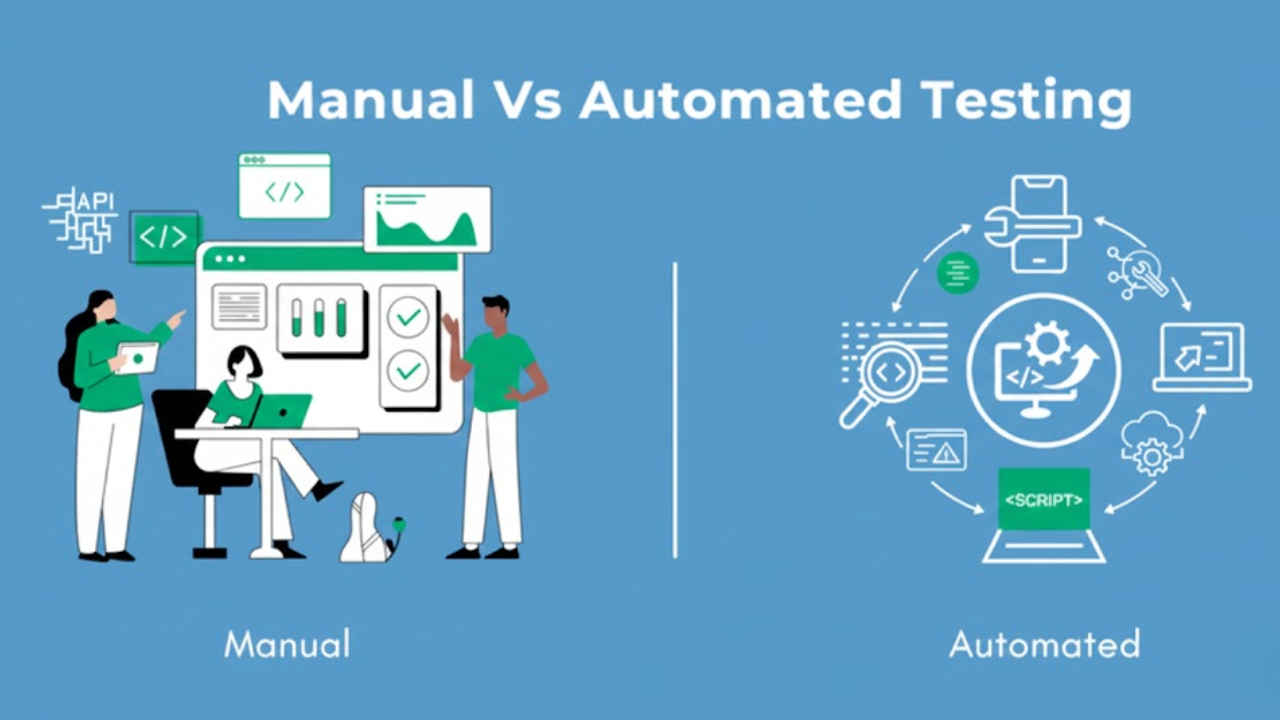
1. How the Two Methods Work
Manual Testing
A real person does manual testing. The tester opens your site and uses it just like an actual user with a disability might use it. They check how easy it is to move through pages using only a keyboard. They use a screen reader and listen to how your page is announced. They look at how forms behave and how instructions sound when read aloud. This is often called manual web testing.
As a designer, this type of testing tells you how someone will truly experience your work. It shows you things that are hard to see when you are focused only on visual design.
Automated Testing
Automated testing uses a tool to scan your site. The tool checks your code for common accessibility issues. It looks for missing alt text, heading mistakes, colour contrast problems, and empty links. These issues show up quickly because the tool follows a preset list of rules.
Automated testing is fast, but it cannot understand the meaning behind your design. It only checks what is in the code.
Manual testing shows you how your design feels to real people. Automated testing shows you where your code breaks basic rules.
2. What Each Method Can Catch
What Manual Testing Finds
Manual testing can catch problems that only humans can notice. For example:
A screen reader is reading your headings in the wrong order
A button that looks fine but is not reachable with a keyboard
An error message that appears visually but is never announced
A pop-up that traps the user and won’t let them return to the page
A form that is confusing when you cannot see the screen
These are the kinds of issues that make or break someone’s experience. Automated tools usually miss them because they cannot follow real-world tasks.
What Automated Testing Finds
Automated testing finds problems that appear often across many pages. These are usually coding mistakes, such as:
Missing alt text
Wrong heading levels
Low contrast
Buttons with no labels
Broken ARIA code
These are easy wins because fixing them early saves time later in the project.
What this really means is that manual testing finds user problems, and automated testing finds coding problems.
3. How Much Each Method Can Cover
Manual Testing Goes Deep
When someone tests your site by hand, they can follow complete user journeys. They can check how a form behaves from start to end. They can see how a menu opens and closes. They can understand context, tone, and meaning. This gives you deep insight into how your site works in real life.
Automated Testing Goes Wide
Automated tools can scan dozens or hundreds of pages in a short time. They can cover more ground than a human can.Learn more about essential Must-Have Tools for Testing Web Accessibility. This wide view is helpful when you want to find repeated issues across templates. It also helps you avoid missing structural errors.
Manual testing goes deep into quality. Automated testing goes wide to catch quantity.
4. Speed and Time Needed
Manual Testing Takes Time
Since a real person must test every page or task, manual testing is slower. It takes patience and careful review. You cannot rush through it if you want accurate results.
Automated Testing Is Fast
Automated testing is quick because the tool runs the scan in seconds. This speed helps you check your site often during design and development.
If you want a simple difference here: manual testing is slow but thoughtful, and automated testing is fast but surface-level.
5. Skills Needed to Use Each Method
Manual Testing Needs Skill
Manual testing requires knowledge of accessibility tools and real user behaviour. A tester must understand how screen readers work, how keyboard navigation should behave, and how users with disabilities might struggle on a page. This takes training and experience.
Automated Testing Needs Basic Tool Knowledge
Automated testing does not require great skill to run. You click a button, and the tool scans your site. But you still need to interpret the results. You also need to understand why something is flagged and how to fix it.
Manual testing depends on skill. Automated testing depends on recognizing patterns in tool reports.
6. Reliability of the Results
Manual Testing Gives Human Insight
Manual testing tells you how well your design communicates. It helps you understand if your wording is precise, if your layout makes sense, or if your content flows logically. But since humans are involved, results may vary slightly depending on the person.
Automated Testing Gives Consistent Output
Automated tools always follow the same rules. They do not miss code errors, and they do not change their mind. But they cannot judge whether something is understandable or easy to use. They also cannot decide if your content is meaningful.
Manual testing is reliable for usability. Automated testing is reliable for structure.
7. Handling Complex Features
Manual Testing Handles Complexity
Many modern designs include dropdowns, interactive menus, sliders, or custom components. Automated tools often cannot understand these elements. A human tester can check how they behave when someone uses a keyboard or a screen reader.
Automated Testing Handles Simple Patterns
Automated tools work best on predictable elements such as headings, images, and buttons. They cannot track behaviour across complex interactive designs.
Manual testing is better for real interactions. Automated testing is better for the basic structure.
Check smart accessibility testing tips to understand this better.
8. When Each Method Should Be Used
Use Manual Testing For
Forms
Menus
Pop-ups
Checkout steps
Mobile layouts
Screen reader checks
Keyboard-only checks
Reading order
These areas impact real user success and often fail if not tested by hand.
Use Automated Testing For
Missing alt text
Low contrast
Empty links
Broken headings
Code errors
Early design scans
Automated testing helps you catch these issues before they pile up.
If you are comparing automated vs manual approaches, the simplest way to think about it is this. Automated testing cleans up the basics. Manual testing confirms the experience.
Conclusion
Manual and automated accessibility testing do different jobs, and you need both if you want your website or app to work well for everyone.
Manual testing shows you how real people experience your design. It helps you see where users might get stuck, confused, or blocked.
Automated testing helps you find common code problems quickly, like missing alt text or bad contrast, so that you can fix them early.
When you use both together, you:
Catch more issues
Build cleaner designs
Make your site easier to use for people with disabilities
That is how you move from “it works for most people” to “it works for everyone.”
Teams at Inclusive Web follow this kind of balanced approach, and you can bring the same mindset into your own design work too.
Have Questions?

We Are Inclusive Web
We work with our clients to simplify digital accessibility to ensure your web and digital applications are ADA compliant and accessible to all your users. If you’d like to talk about your digital accessibility, you can email us at matthew@inclusiveweb.co, leave us a note here, or schedule a call here to discuss. Let’s make the web inclusive to all!