
Accessibility Resources
Ecommerce Website Accessibility: What Every Retailer Must Know
Ecommerce accessibility means your online store works for people with different abilities. It means shoppers can browse, read, click, and pay without hitting barriers.
This is not a “nice-to-have” detail. It affects real people and real revenue. A shopper may use a screen reader. Another may not use a mouse. Someone else may need bigger text, clearer buttons, or captions. If your store blocks them, you lose a sale. And they may never come back.
This blog will help you learn what accessibility looks like in a real store, what standards people use, what legal updates are worth knowing, and what to fix first.
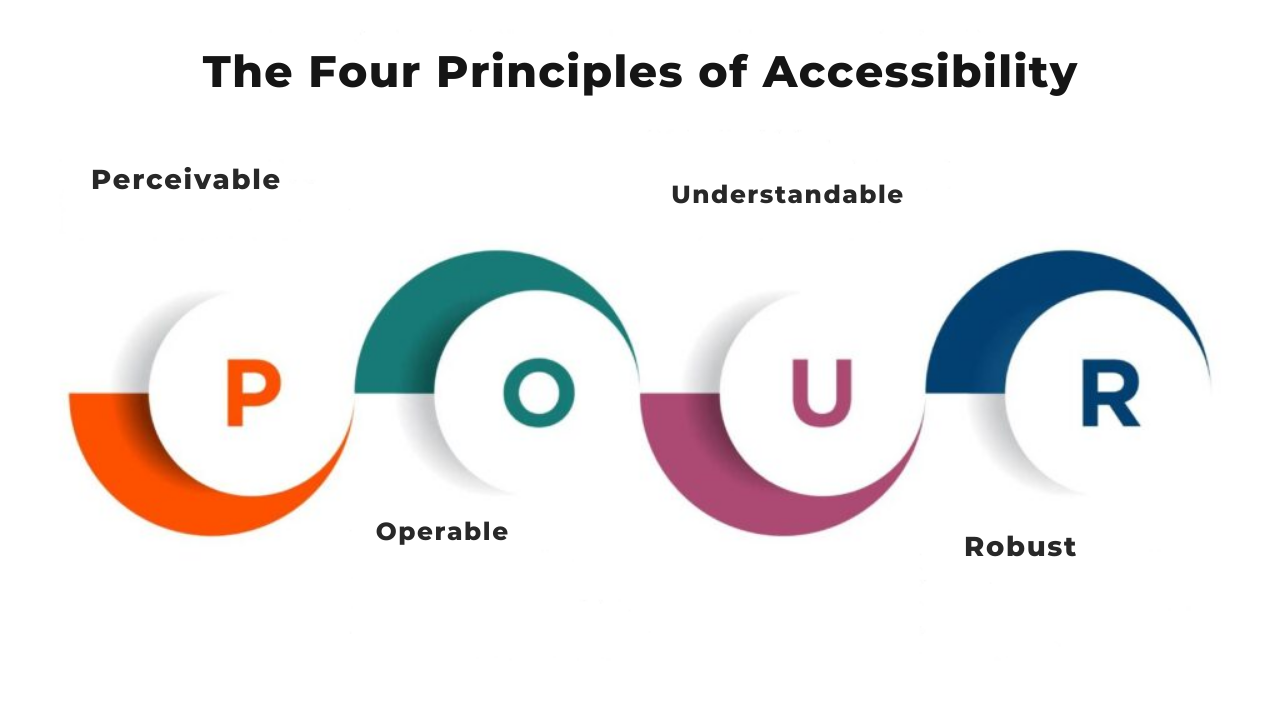
Web Accessibility Basics: The Four Foundational Principles
You've probably heard that websites should be accessible. But what does that actually mean? Where do you even start?
The answer is simpler than you think. Web accessibility boils down to four basic ideas. Get these right, and you're well on your way to building websites that work for everyone.
These four principles come from WCAG, which stands for Web Content Accessibility Guidelines. They form the foundation of everything else in web accessibility. Think of them as your starting point for understanding accessibility principles and how they shape the web.
This blog will discuss what each principle means and why it matters.
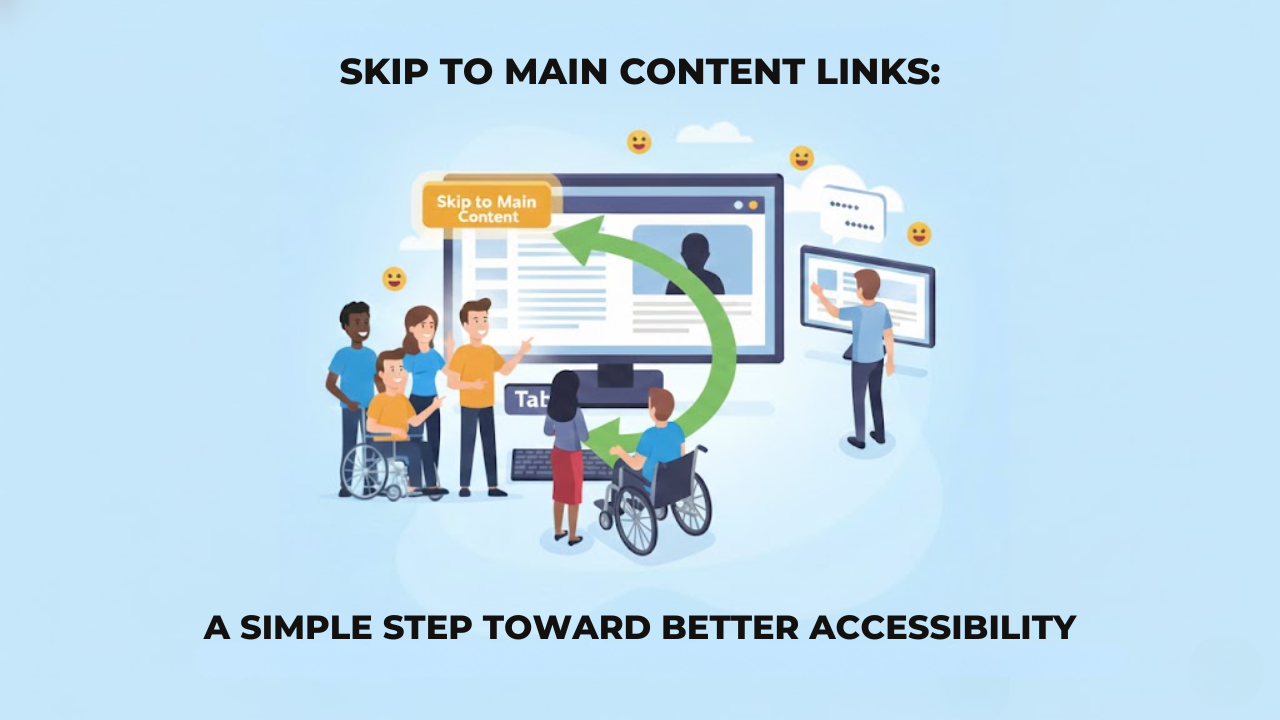
Skip to Main Content Links: A Simple Step Toward Better Accessibility
When you open a website, you probably scroll or click without thinking much about it. You see the menu, you ignore it, and you go straight to what you want, so it feels easy.
But that is not how everyone experiences a website.
Some people do not use a mouse at all. They move through a page using a keyboard. Some people cannot see the screen and rely on a screen reader to read the page out loud. For them, a website feels very different. which is why regular accessibility monitoring is important to understand how real users interact with your content.
Every menu item, every link, every button is reached one at a time.
If a page has an extended header with many links, they must go through all of it before they reach the actual content.
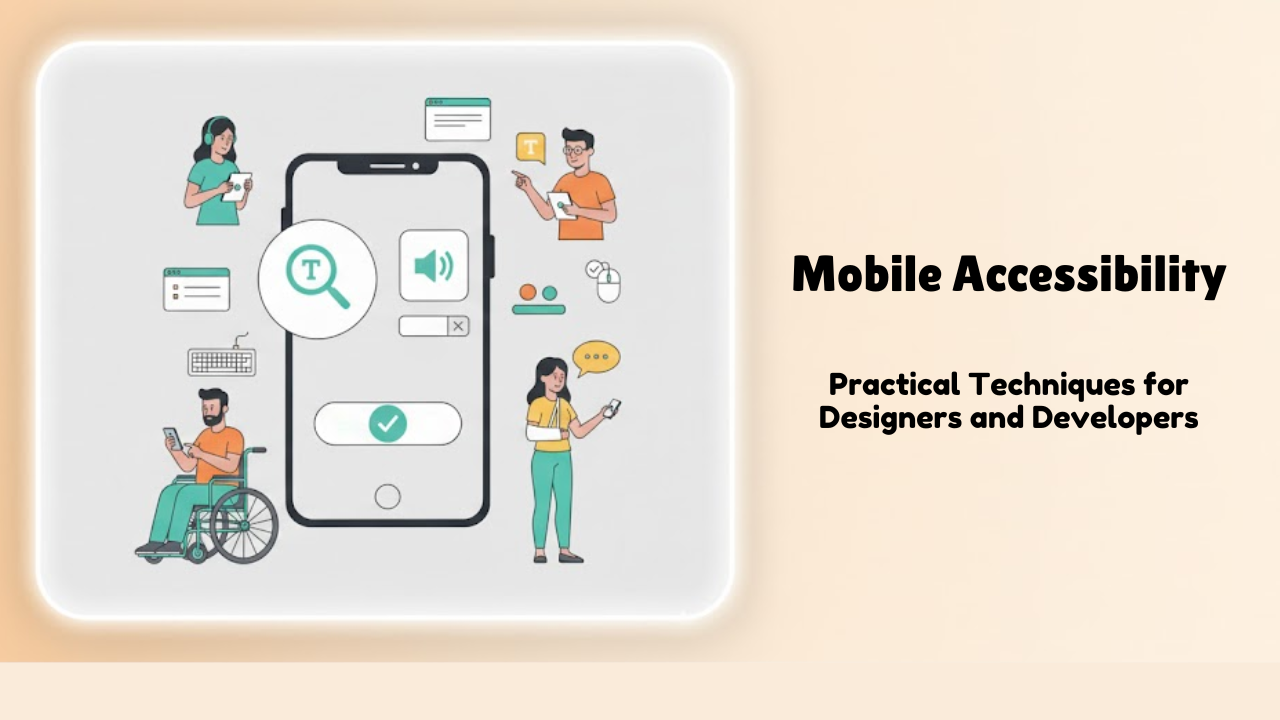
Mobile Accessibility: Practical Techniques for Designers and Developers
Think about how often we use our phones every day. We order food, read news, book rides, shop, and chat, all from small screens. Now imagine trying to do all of that if you can’t see clearly, can’t tap tiny buttons, or rely on a screen reader to understand what’s on the screen.
That’s where mobile accessibility comes in.
Mobile accessibility means making sure your mobile website or app works for everyone, including people with disabilities. It’s not about doing something extra or fancy. It’s about designing and building things in a way that doesn’t leave people out.
The good news? When you design for accessibility, you usually end up creating a better experience for all users — not just those with disabilities.
Common Mistakes in Accessibility User Testing and How to Avoid Them
You know what's frustrating? Building a website that accidentally locks people out.
It happens more than you'd think. Companies spend months creating websites, but then they skip proper accessibility user testing. The result? Millions of people can't use what you made.
Testing for accessibility sounds straightforward. But teams make the same mistakes over and over. Let's talk about what goes wrong and how you can do better.
Manual vs Automated Accessibility Testing: What Designers Must Know
If you build websites or apps, you’ve probably noticed that everyone uses the internet differently. Some people click with a mouse. Some navigate only with a keyboard. Others rely on screen readers to hear the content. Many need bigger text or simple headings to stay oriented. Automated Accessibility testing helps you make sure all these users can move through your design without barriers.
There are two main ways to test accessibility: manual testing and automated testing. Many people try to compare them and decide which one is better. But they are different for a reason. Each method finds different problems and fills different gaps. If you want your work to be truly accessible, you need to understand how they differ and why both matter.
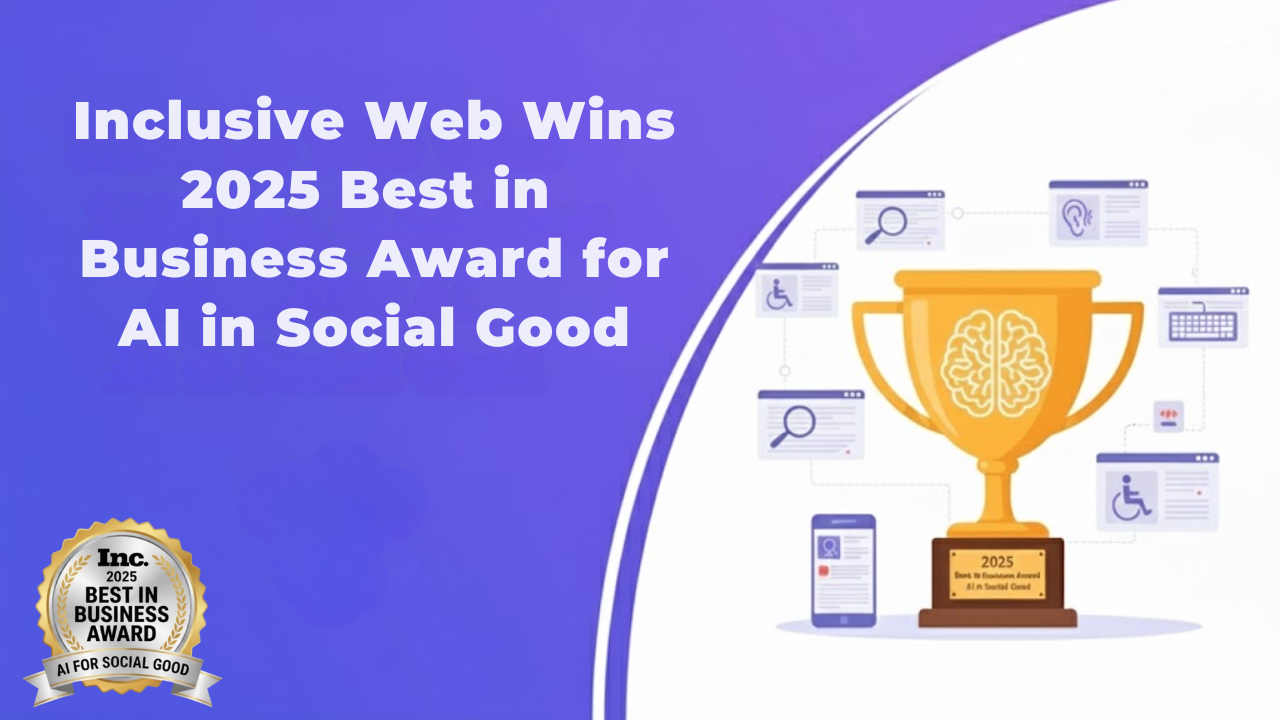
Inclusive Web Wins 2025 Best in Business Award for AI in Social Good
Inclusive Web is honoured to have won the 2025 Inc. Best In Business Awards in the category for Best AI Implementation for Social Good. This award acknowledges our efforts as one of the few companies that use Leverage technological advances to improve the Society at Large while continuing the expansion of our own company.
The award represents more than simply an acknowledgement of our work; it is also a celebration of many years of dedicated efforts by our team members to make the digital economy accessible to everyone. For individuals with disabilities, access to the Internet is often limited or non-existent and our goal has always been to change that.

Writing Accessible Content: UX Microcopy That Works for All
You want your words to actually help people, not slow them down or shut them out. Accessible UX microcopy does precisely that by guiding every user, including people with disabilities, through each step with clarity and respect.
When your content is easy to read, easy to follow, and friendly to assistive technology, you build trust. It helps more people complete what they came to do.
Accessible Typography & Font Guidelines for UI Designers
It is really challenging to read text that's too small, too light, or just not aligned well.
That's what happens when typography goes wrong. Millions of people struggle with poorly designed text every time they go online. Some can't see well. Others have dyslexia. Many are just trying to read on their phone while standing in bright sunlight.
Your job as a UI designer? Make sure everyone can actually read what you create. No fancy degrees required for this. You just need some wise choices and a bit of awareness about accessibility training for designers & typography guidelines.

Designing for Everyone: Accessibility Best Practices for UX/UI Designers
ADA stands for the Americans with Disabilities Act. It’s a law in the United States that says people with disabilities should be treated fairly and have the same chances as anyone else. It applies to public spaces, jobs, schools, and also to websites and online services.
So what does that mean for you? If your site isn’t accessible, people who are blind, deaf, or have trouble using a mouse could be shut out. If your business, organization, or agency serves the public, your website must be usable for everyone. Being ADA compliant helps protect you from legal problems, but it also helps you serve all your users well.

ADA Compliance Levels: Which One Your Site Must Hit Now
ADA stands for the Americans with Disabilities Act. It’s a law in the United States that says people with disabilities should be treated fairly and have the same chances as anyone else. It applies to public spaces, jobs, schools, and also to websites and online services.
So what does that mean for you? If your site isn’t accessible, people who are blind, deaf, or have trouble using a mouse could be shut out. If your business, organization, or agency serves the public, your website must be usable for everyone. Being ADA compliant helps protect you from legal problems, but it also helps you serve all your users well.

Types of Accessibility Every Website Designer Should Understand
When creating a site that is user-friendly, making it accessible to anyone to use is the primary goal. This means you must think about accessibility. Accessibility is the process of designing your website to ensure that people with different abilities can access it with ease. This doesn't only concern laws or rules; it's about fairness and respect.
This blog will cover the different kinds of accessibility that each web designer should be aware of. We'll discuss what accessibility is and who is in need of it, and what you can do to create a welcoming website.

Small Business Guide: 7 Accessibility Examples You Can Follow Today
If you run a small business, your website is where many people first meet you. You want everyone to have a smooth, easy experience when they visit your site. But here’s the thing: not everyone finds websites easy to use.
Some people have disabilities that make it hard to see, hear, or use a mouse. That’s why web accessibility user testing matters. It helps your website work well for all visitors.
This blog will discuss seven real small business websites doing this right. These examples can help you make your own site better for everyone who stops by.

ADA vs. WCAG: Key Differences You Should Know
If we talk about the digital world, the ADA does not specify any technical rules like what color contrast to use or how to write alt text. However, it states that businesses should make their digital spaces accessible and easy to use for everyone, including people with disabilities.
Over time, this has come to mean that websites offering products, services, or information to the public should be designed so all users can navigate and use them without barriers.

7 Reasons ADA Compliance Matters for Your Website
When a website is made to help people with disabilities, it becomes easier for everyone to use. A person who cannot see well can listen to the content through a screen reader, and someone who cannot use a mouse can move through pages using the keyboard.
These types of small changes still make a big impact. ADA-compliant websites help people with Disabilities to feel welcome rather than excluded. It allows everyone to visit, read, or shop on your website without hassle—and this is what we want for every website.

7 Key Accessibility Tests Every Website Should Undergo
Each user who browses, deserves a smooth experience. Unfortunately, for millions of people with disabilities, the web can still feel like a spot with obstacles, unreadable text, missing labels, inaccessible menus.
That’s why user accessibility testing isn’t just a technical requirement; it’s a commitment to equal access for all. In this article, we’ll explore seven key accessibility tests that help you build a website everyone can use. Let’s get started and know how to test a website for accessibility.

Top 10 Best Fonts Styles for Dyslexia
Most of us don’t think twice about fonts. We just open Word or Google Docs and start typing. But for someone with dyslexia, fonts can make a world of difference. The wrong font can make reading feel like a battle. It’s not just frustrating, it’s exhausting.
Dyslexia doesn’t change intelligence; it changes how the brain processes written words. And sometimes, the way text looks can make things a lot harder than it needs to be.
Accessibility Testing: Tips and Best Practices
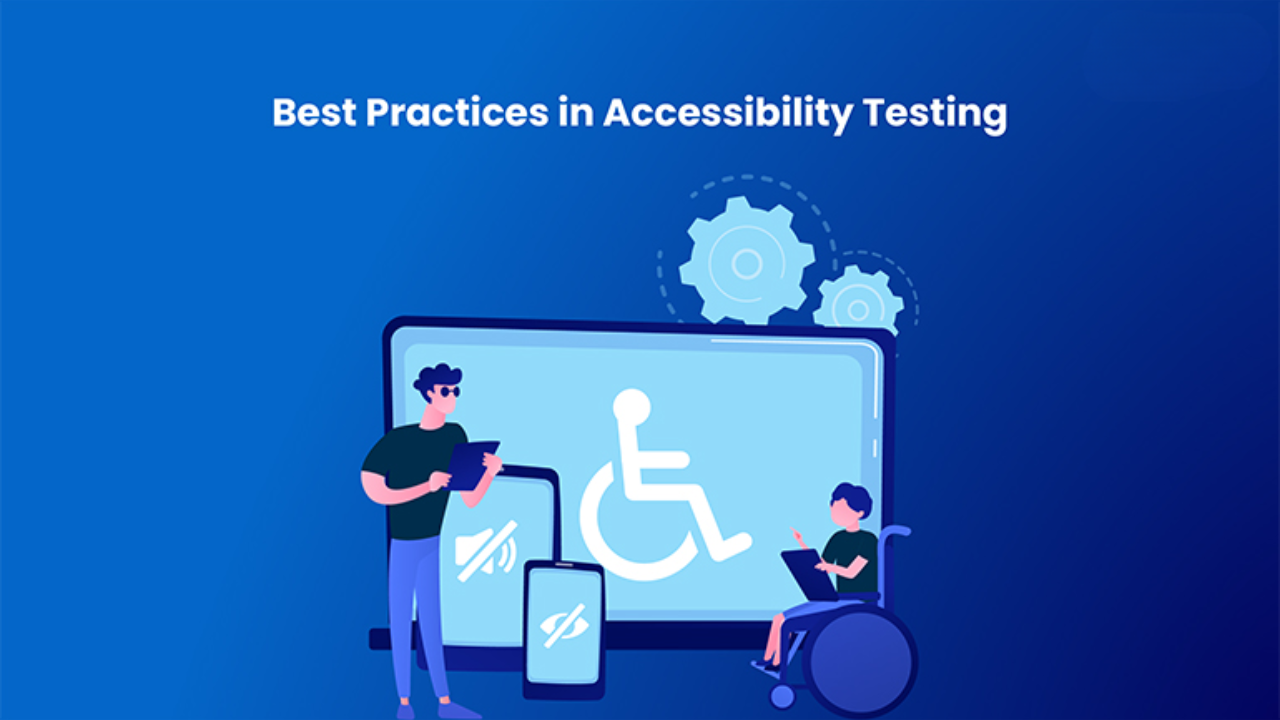
Web accessibility testing is a procedure that allows assessing websites, applications and electronic materials to ensure that they can be accessed by individuals with various disabilities. It verifies that a product is accessible to people with disabilities with Web Content Accessibility Guidelines (WCAG) standards and legal standards such as the Americans with disabilities act (ADA) or the European Accessibility Act (EAA).
The idea is straightforward: open barriers in order to enable everybody to access digital products in a similar manner. It may imply that it can be possible to make text readable by screen readers, videos have captions, or forms can be filled in only by using a keyboard.
10 Real-World Benefits of Web Accessibility User Testing
In an online environment where access by all is no longer a luxury, web accessibility user testing is not only the most effective way to make your site usable, inclusive and legally compliant. At Inclusive Web, we think that there is no alternative to the audits and automatic checks other than seeing real people who use assistive technologies when using your digital product. The following are ten practical, actual real-life benefits of web accessibility testing of users, its purpose, the benefits of such accessibility testing, and how the benefits represent the food of accessible analysis.
The Ultimate Accessibility User Testing Guide
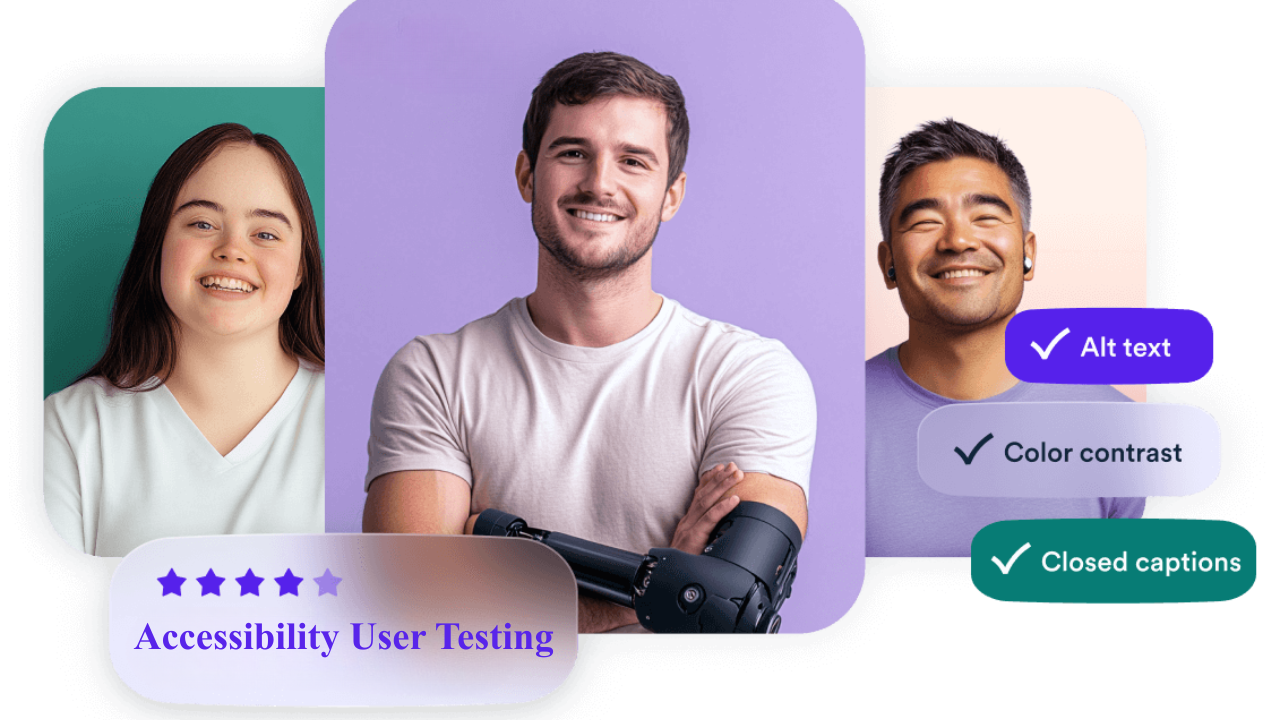
Can you recall when was the last time a website annoyed you? The reason could have been any – the text was too small to read, you couldn’t click a button, or maybe a form kept on showing errors without specifying the reason. This might have made you feel frustrated, right?
Now, think about those with disabilities. For them, these are not rare frustrations, in fact they have to deal with these everyday. Accessibility isn’t just a tech checklist. It’s about making sure everyone can use your site without stress. And when you fix those barriers, your website becomes easier for all your visitors.