

Web Accessibility
Service In New York
Make your website accessible in New York. Stay ADA compliant with trusted WCAG-based accessibility solutions.
Win with Accessibility in New York
Accessibilty video
Web Accessibility Standards for New York – 2026
Accessibility is not just a legal mandate but also a powerful competitive advantage, supporting inclusion and improving overall user engagement.
At Inclusive Web, We provide expert-level accessibility solutions that are personalized, easy to implement, and completely straightforward.
Why Choose Us for Web Accessibility Services in New York?
Need trusted web accessibility services in New York today? We deliver expert WCAG audits, real remediation, and ADA-compliant solutions built for lasting results.
-
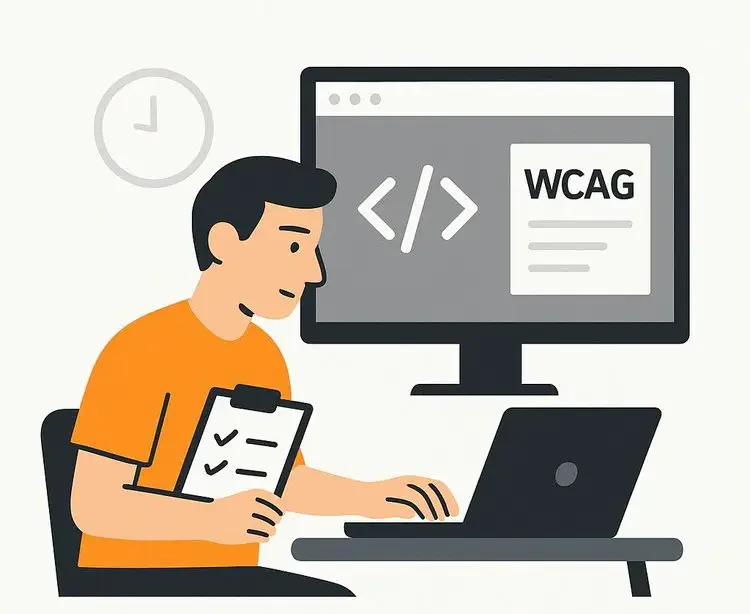
Florida-Focused WCAG Accessibility Experts
We understand ADA enforcement trends in Florida and deliver structured, WCAG-aligned audits that significantly reduce legal risk and improve real-world website usability.
-
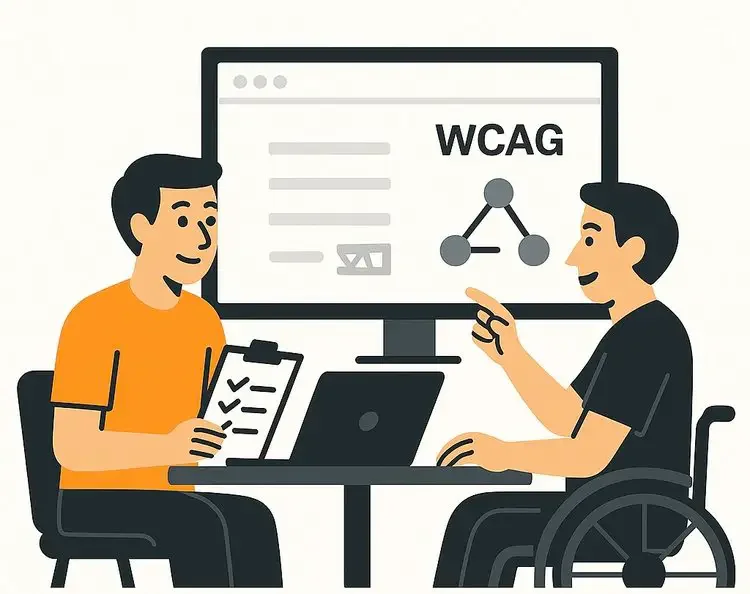
Get Real Accessibility Fixes — Not Just Reports
We go beyond checklists. Get hands-on remediation across design, content, navigation, and code for measurable WCAG compliance and long-term ADA protection.
-
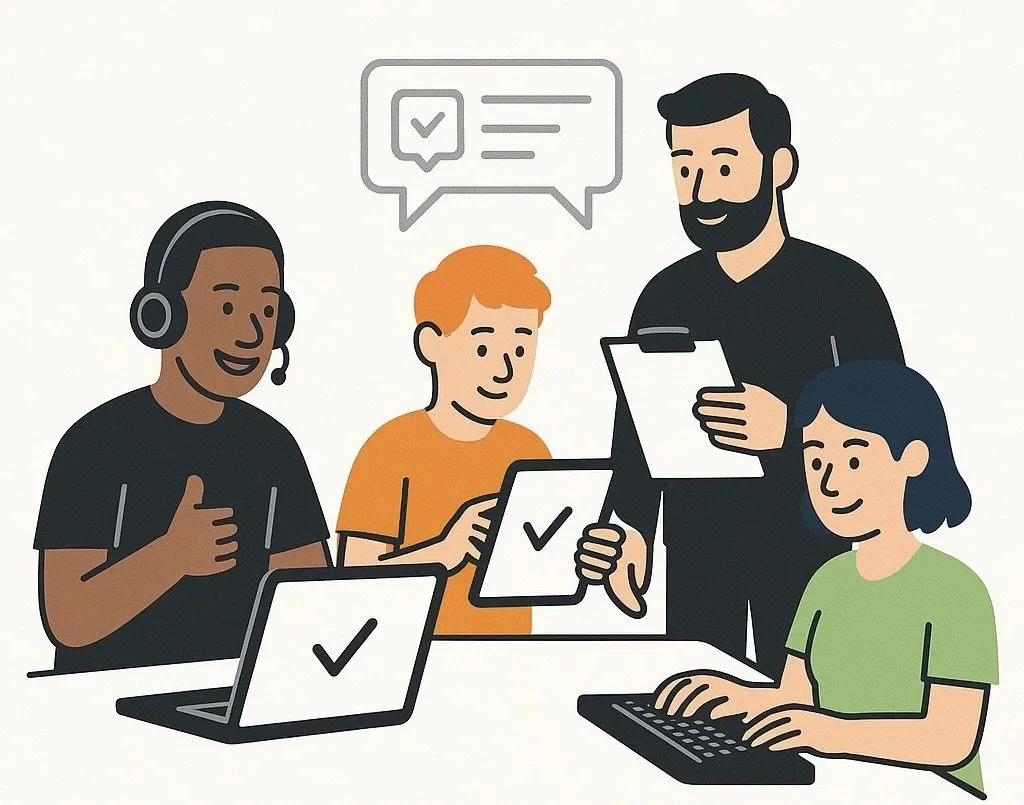
Remediation Backed by Expert Review
Get expert-led accessibility fixes backed by detailed manual evaluation—not automated shortcuts—ensuring real WCAG improvements and lasting ADA compliance.
-
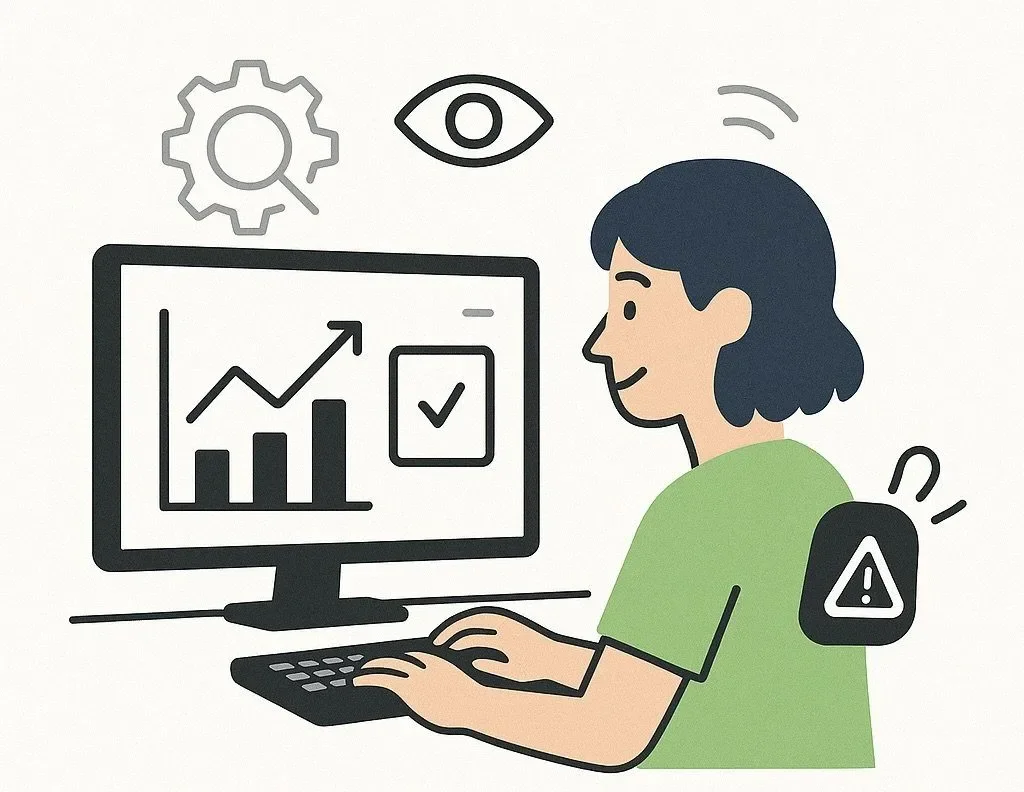
Ongoing Accessibility Compliance Monitoring
Get continuous accessibility oversight that maintains WCAG alignment as your Florida website grows, updates, and evolves with changing compliance requirements.
Ready to Improve Web Accessibility in New York?
Schedule a free web accessibility consultation in New York today. Get expert WCAG audits and ADA compliance support for your website.
Contact Us for Accessibility Support
We are experts in helping companies create world class digital experiences for people with disabilities.
Address : 215 W 90th St, New York, NY 10024
Phone : (866) 870-7232
Follow Us:
Request a free quote
Helpful Accessibility Resources
Schedule a free accessibility consultation with our experts. We’ll review your website and outline clear next steps toward WCAG compliance.
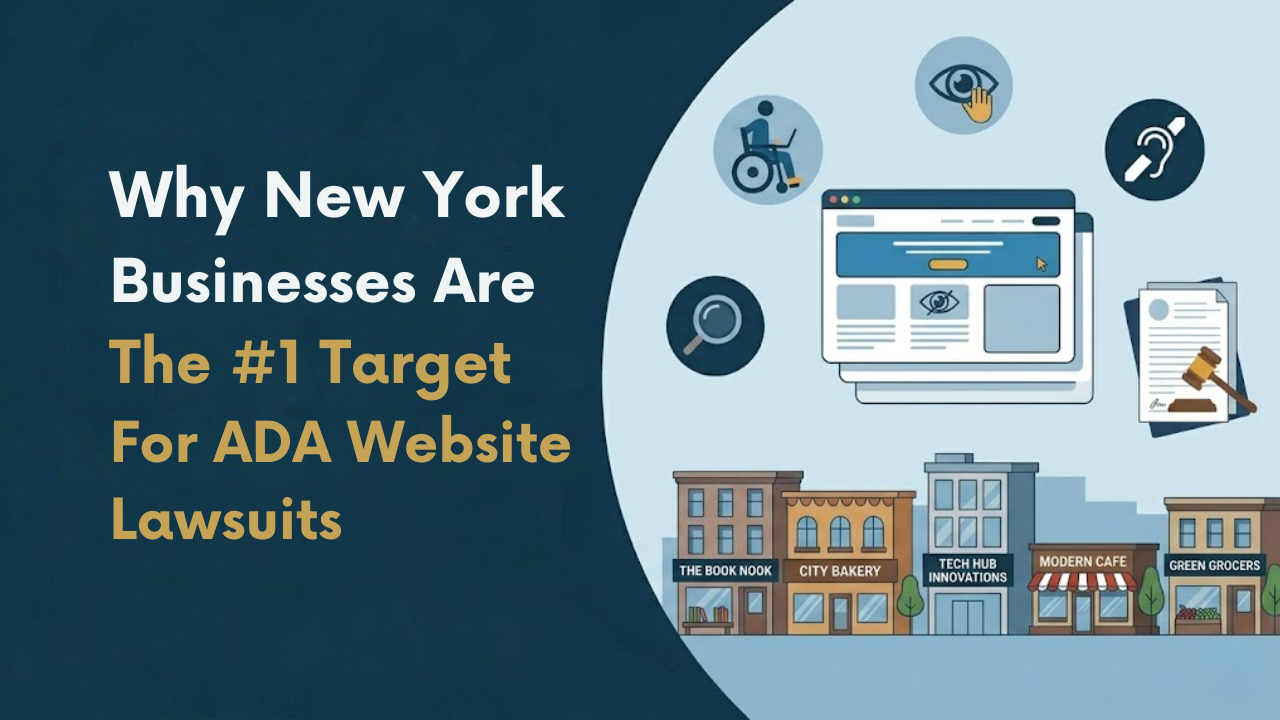
New York has quietly become the most active state in the country for ADA website lawsuits. Owners of dental practices, retail brands, restaurants, law firms, and small service businesses are receiving demand letters and federal complaints for accessibility issues most never realized existed on their site. Many assumed ADA enforcement only applied to wheelchair ramps and storefront entrances. In reality, websites are now the primary battleground, and New York is where most of the fight is happening. For business owners who want to understand their exposure before a plaintiff's firm does, the web accessibility services for New York businesses page outlines what a proper risk review actually covers.
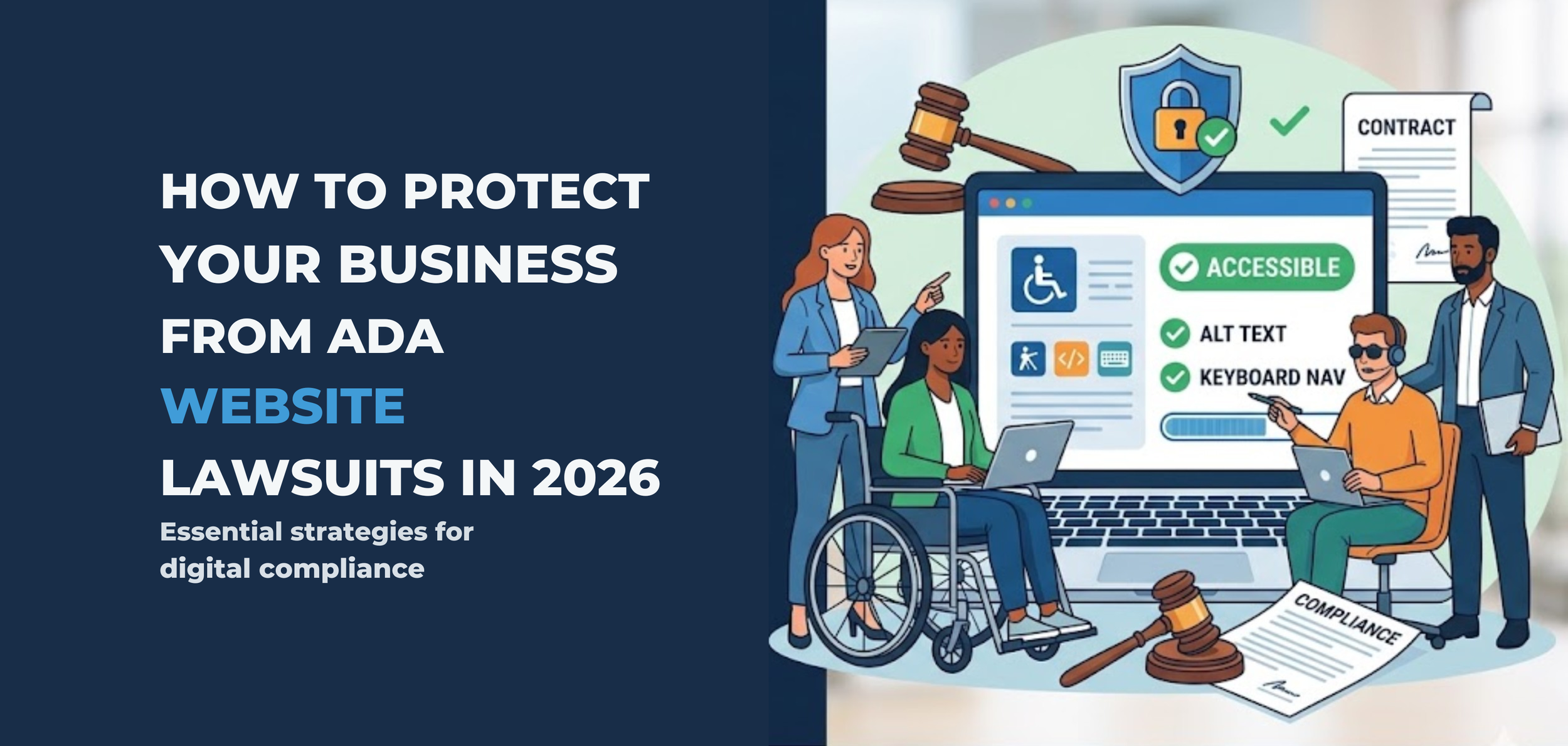
The ADA lawsuit wave isn't slowing down. It's accelerating. In 2026, plaintiff law firms have refined their screening processes, courts have reinforced that the ADA applies to websites, and the average mid-sized business is more exposed than ever — most of them don't even know it.
If your website isn't accessible to people with disabilities, you're not just risking a lawsuit. You're inviting one.
Here's what every business owner in the US needs to understand about ADA lawsuit risk for business owners — and exactly what to do about it before a demand letter shows up in your inbox.
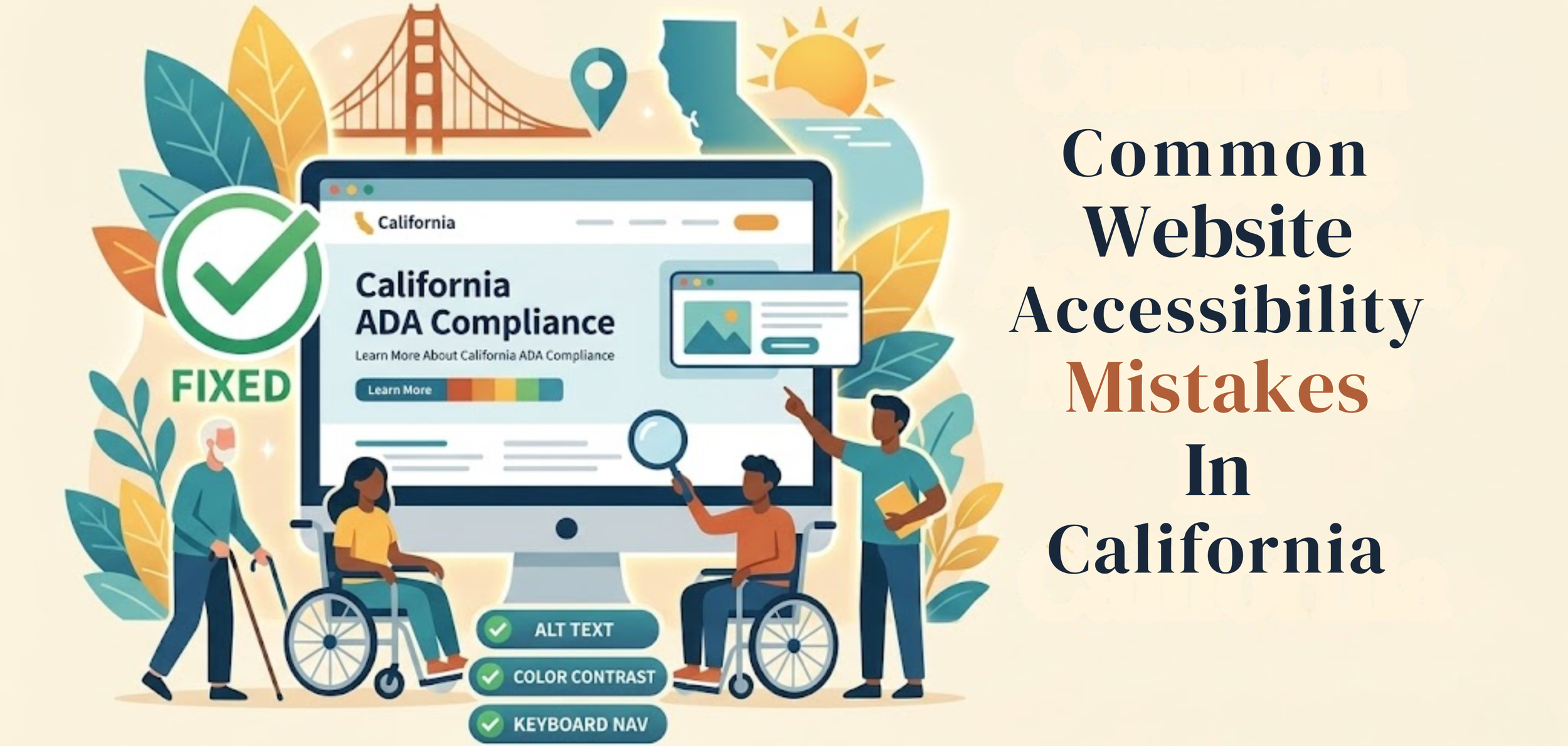
A business website should work for everyone. That sounds simple, but many sites still create problems for people with disabilities. A page may look clean and professional yet still be hard to use with a screen reader, keyboard, captions, or a clear page structure. When that happens, users are blocked from information, services, and basic tasks. This is where Digital Accessibility Compliance California becomes important—helping businesses identify gaps early and take the right steps to fix them before they turn into bigger issues
This matters even more in California. The U.S. Department of Justice says businesses open to the public must make the goods and services they offer online accessible to people with disabilities. California also has strong civil rights laws, including the Unruh Civil Rights Act, which can increase legal pressure when access barriers are ignored.
New York leads the entire United States in ADA website lawsuits. Not by a little.
In the first half of 2025, New York accounted for 31.6% of all ADA digital accessibility lawsuits filed nationally - 637 cases in six months. In the middle of this growing concern around web accessibility New York, and here is the detail most businesses miss: 41% of those cases were repeat filings against companies already sued before. Getting hit once and doing nothing does not close the case - it marks you as a target.
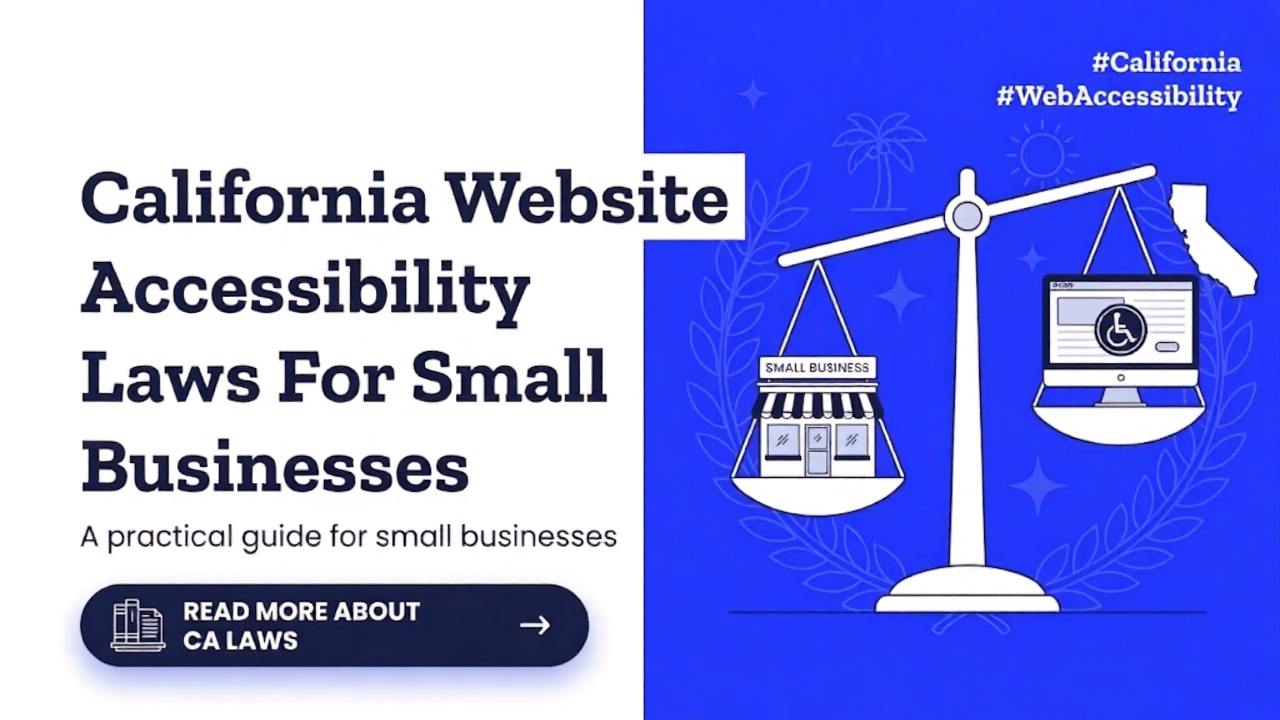
A small business website is now part of the customer experience. People use it to read menus, book appointments, buy products, fill out forms, and contact support. When a site is hard to use with a screen reader, keyboard, captions, or a clear structure, some people are shut out. That is why website accessibility matters. It is not only a design issue. In California, it can also become a legal issue under both federal and state law, making California accessibility an important concern for business owners.
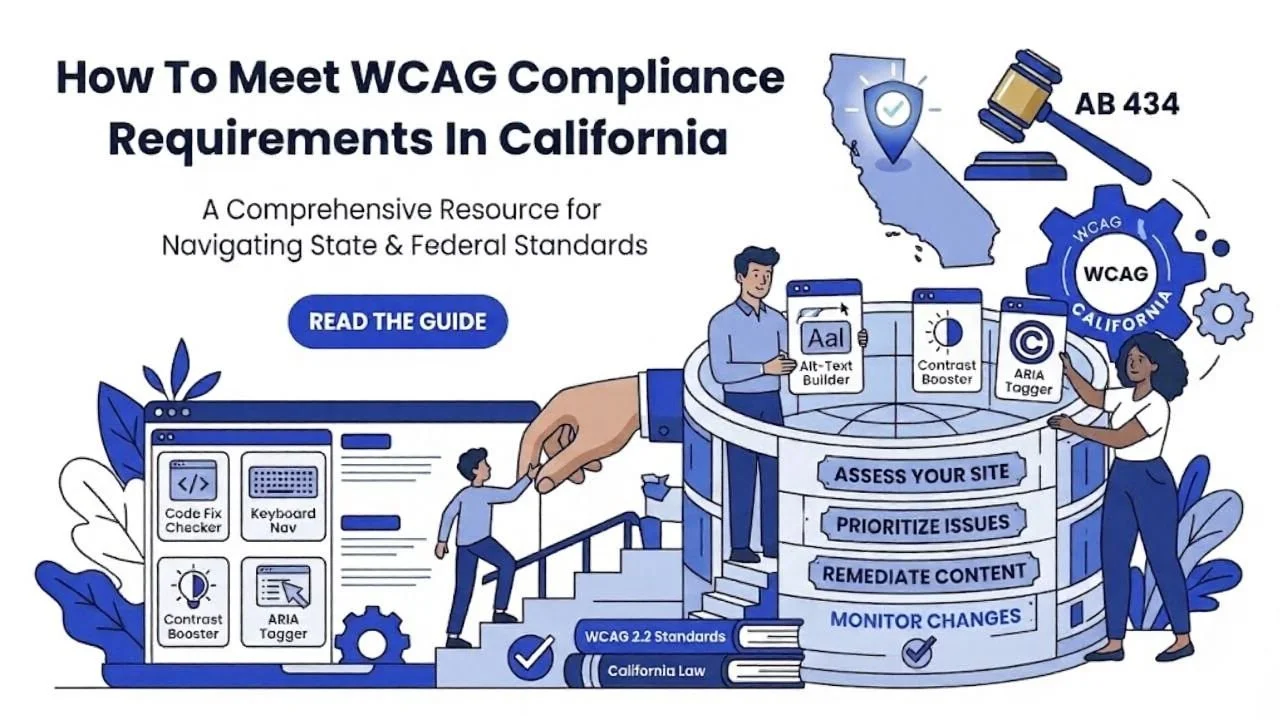
Website accessibility is now a basic part of doing business online. In California, it matters for legal reasons, customer experience, and everyday usability. Many business owners hear terms like WCAG, ADA, and accessibility law, but they are not always sure what those terms mean in practice. especially when it comes to california accessibility requirements. This article explains the basics in a simple way and shows how to move toward better compliance without getting lost in technical language.
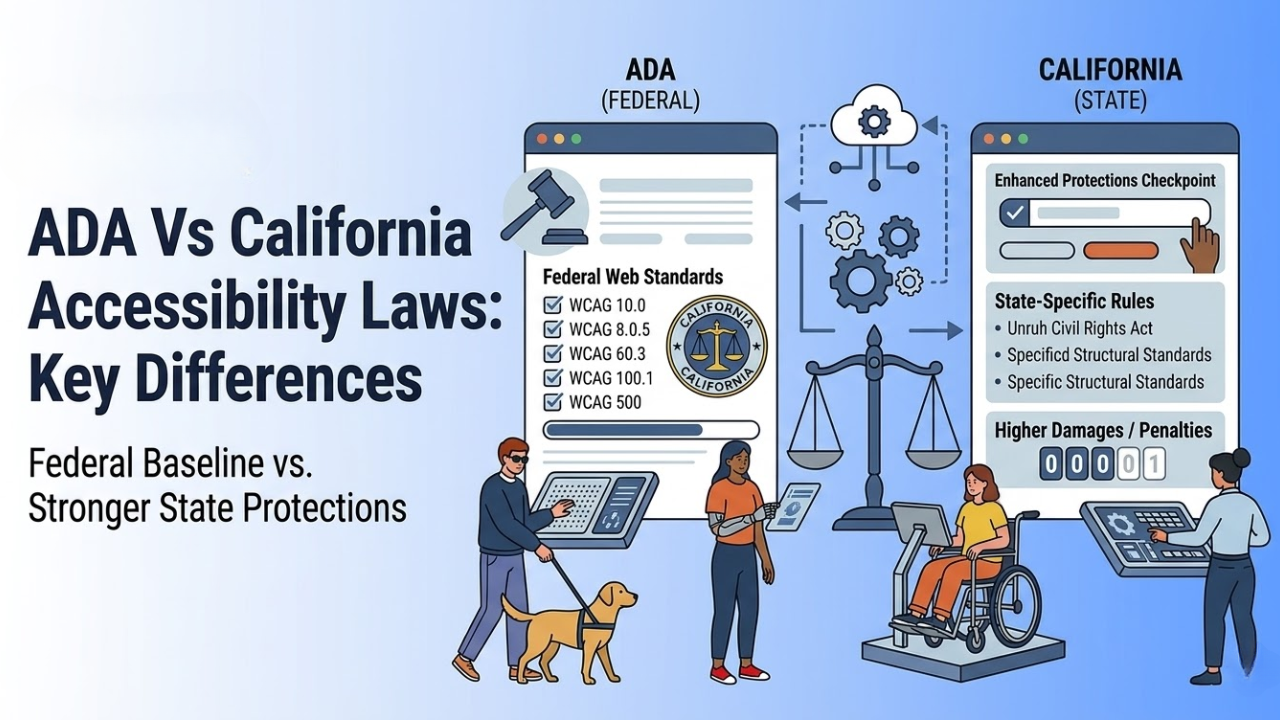
Many business owners think the ADA is the only law they need to know about accessibility. That is not true in California. Federal law matters, but California has its own rules and civil rights laws that can make the legal picture broader and, in some cases, tougher for businesses.
That is why understanding ADA vs California accessibility laws is important for any company with a physical location, a website, or both.
This topic can feel confusing because people often mix legal duties, design standards, and best practices into one conversation. The easiest way to understand it is to separate the layers. The ADA is the main federal disability access law. California then adds state laws, state enforcement, and state-level rights that can go beyond the federal baseline in some situations.
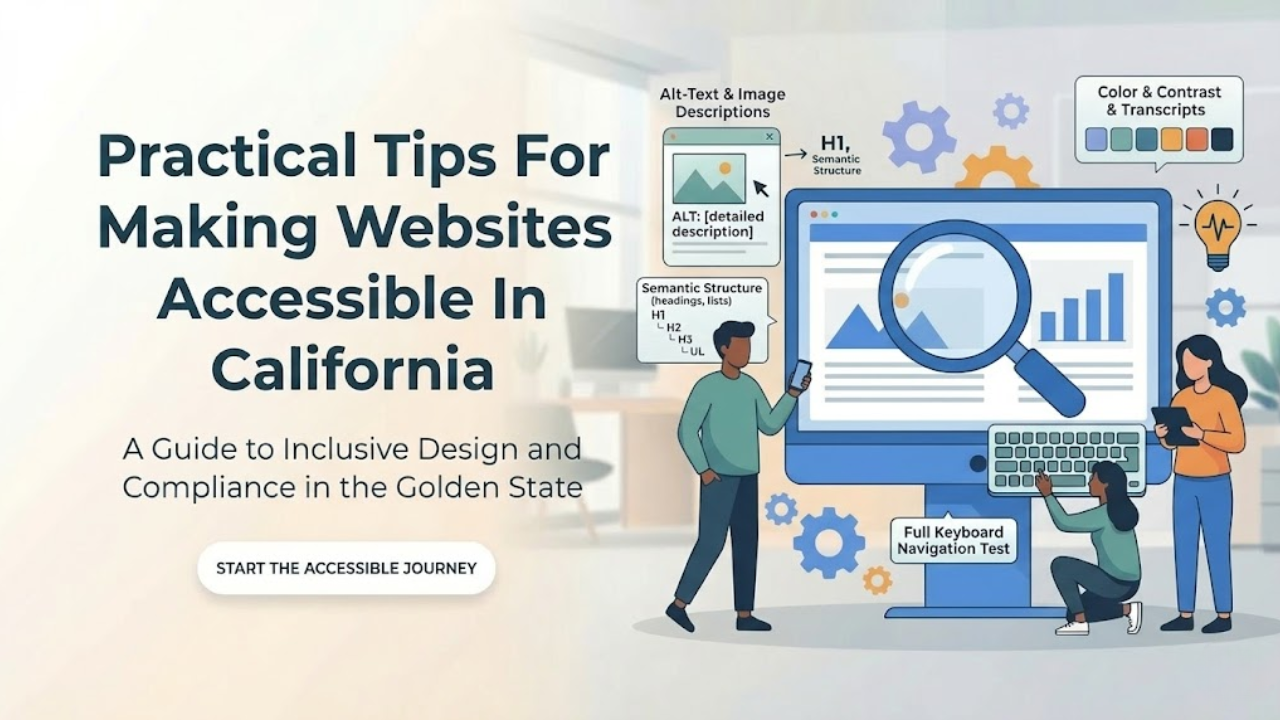
Website accessibility is not a side task anymore. It is part of good web design, good customer service, and good risk management. In California, it matters even more because businesses are expected to give people with disabilities equal access to online services. Federal ADA guidance says businesses open to the public must make sure their online goods, services, and programs are accessible, and digital accessibility compliance California is an important part of meeting these expectations, while California state accessibility materials point to WCAG 2.2 Level AA and the Unruh Civil Rights Act as key standards in this space.
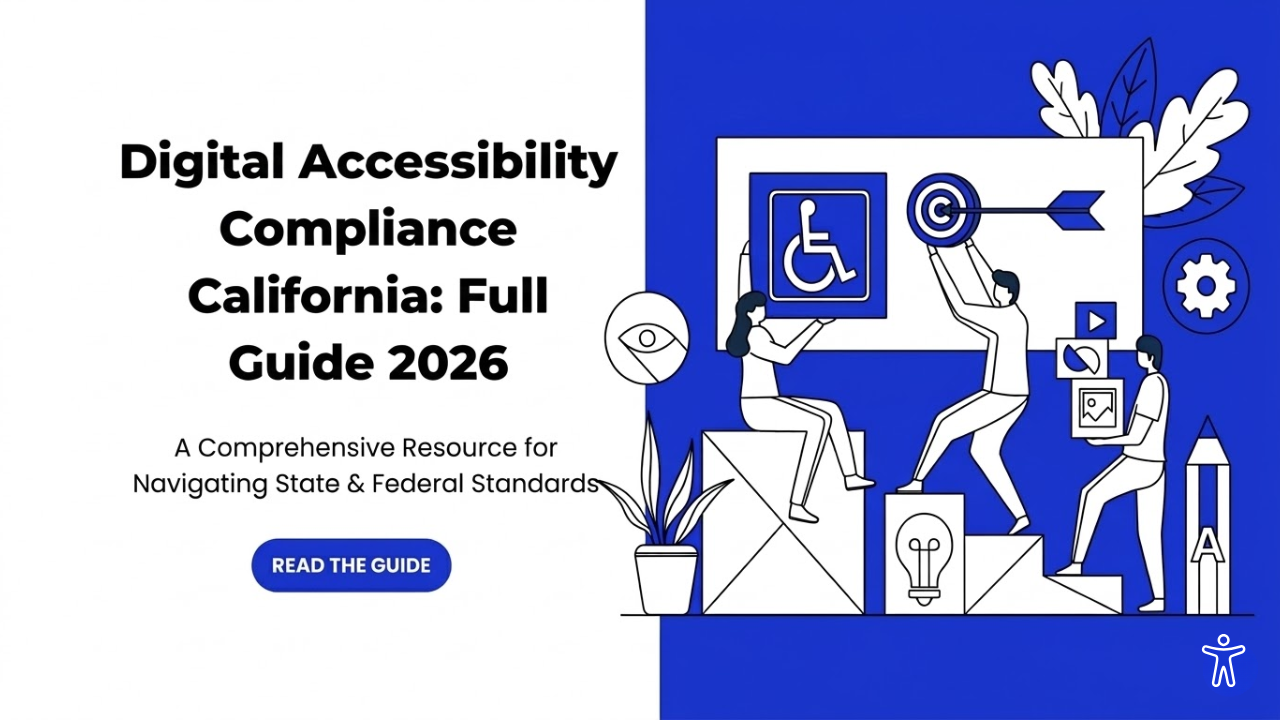
Digital access is now a basic part of doing business and serving the public. People use websites, mobile apps, online forms, PDFs, payment portals, and service dashboards every day. If those tools are hard to use with a screen reader, keyboard, captions, Zoom, or voice control, many users are blocked from equal access.
That is why this topic matters in 2026. Digital Accessibility Compliance California is becoming increasingly important because California has state rules for public entities, and federal disability law also affects digital access. At the same time, businesses in California face real legal risk when their digital services create barriers for people with disabilities.
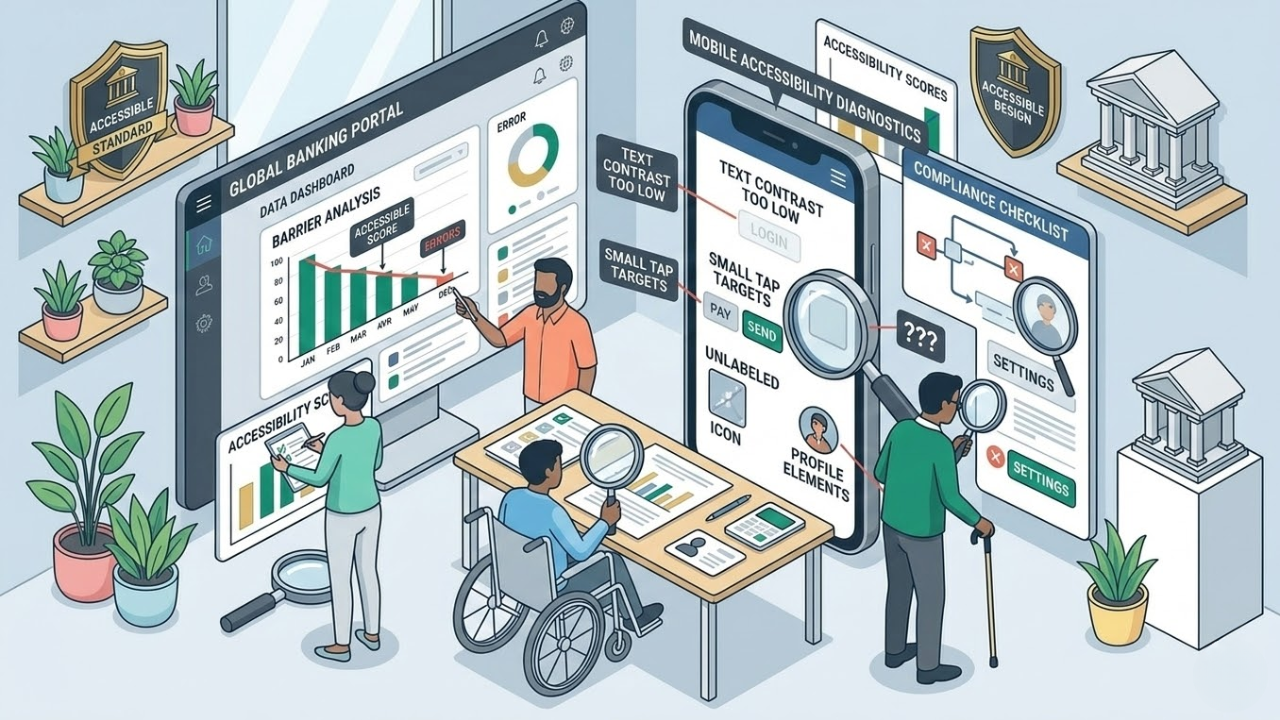
Mobile banking should feel simple. A person should be able to check a balance, pay a bill, review a transaction, or lock a card without confusion. But many banking apps still create barriers that make basic tasks harder than they need to be. This is why the idea of accessible banking has become more important for financial institutions that want their apps to work well for everyone.
Some of those barriers are obvious. The buttons are too small. Text is too light. Labels are missing. Others are harder to notice. A timeout ends a session too fast. A screen reader reads a chart with no useful meaning. A login step depends too much on memory or drag-and-drop actions. These are not small details.
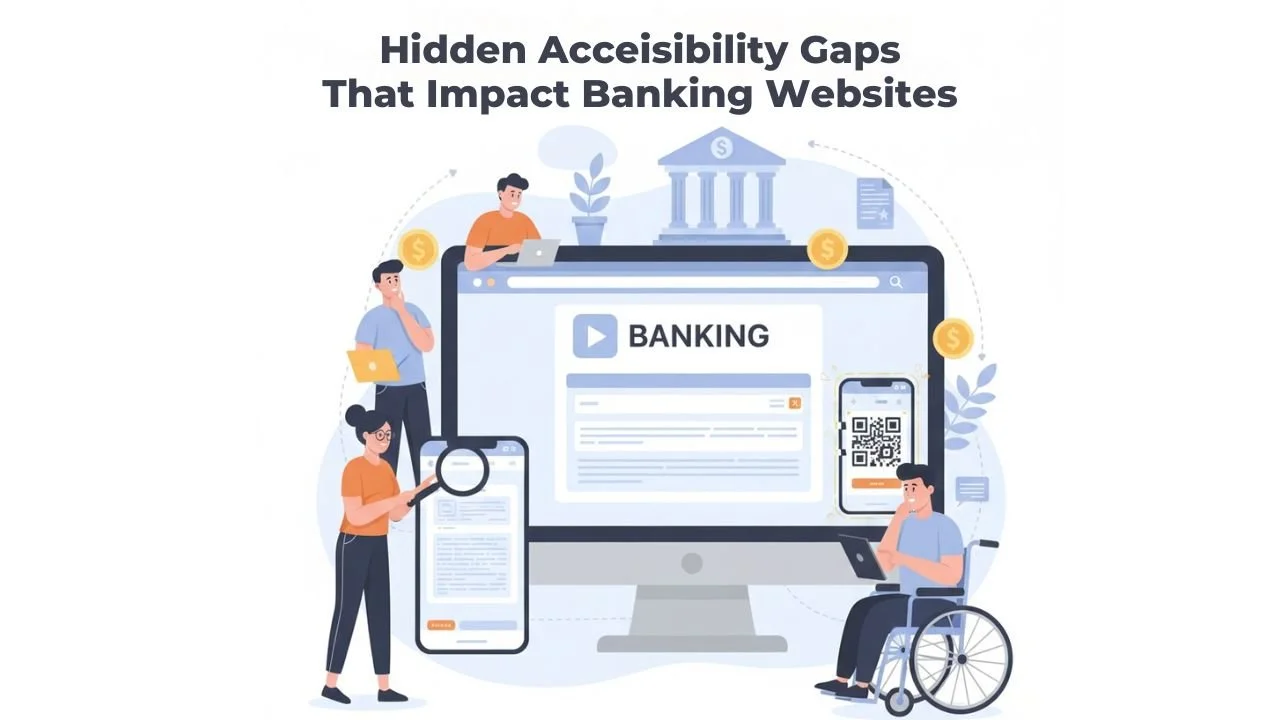
Online banking is now the main way people manage money. Many people no longer visit branches. They check balances on a phone. They pay bills from a laptop. They send money to their families in minutes. This convenience is helpful. But it also brings a new problem. If a banking website is hard to use, some customers get blocked from basic financial tasks.
Many banks think their websites are accessible. They may run a quick scan. They may fix a few visible issues. They may add an accessibility tool. Then they assume the problem is solved. But real accessibility is not always obvious. A website can look fine and still be difficult for many users. The biggest issues are often hidden inside forms, pop-ups, menus, and mobile screens. These are Hidden accessibility gaps in banking websites. They can quietly create real harm.
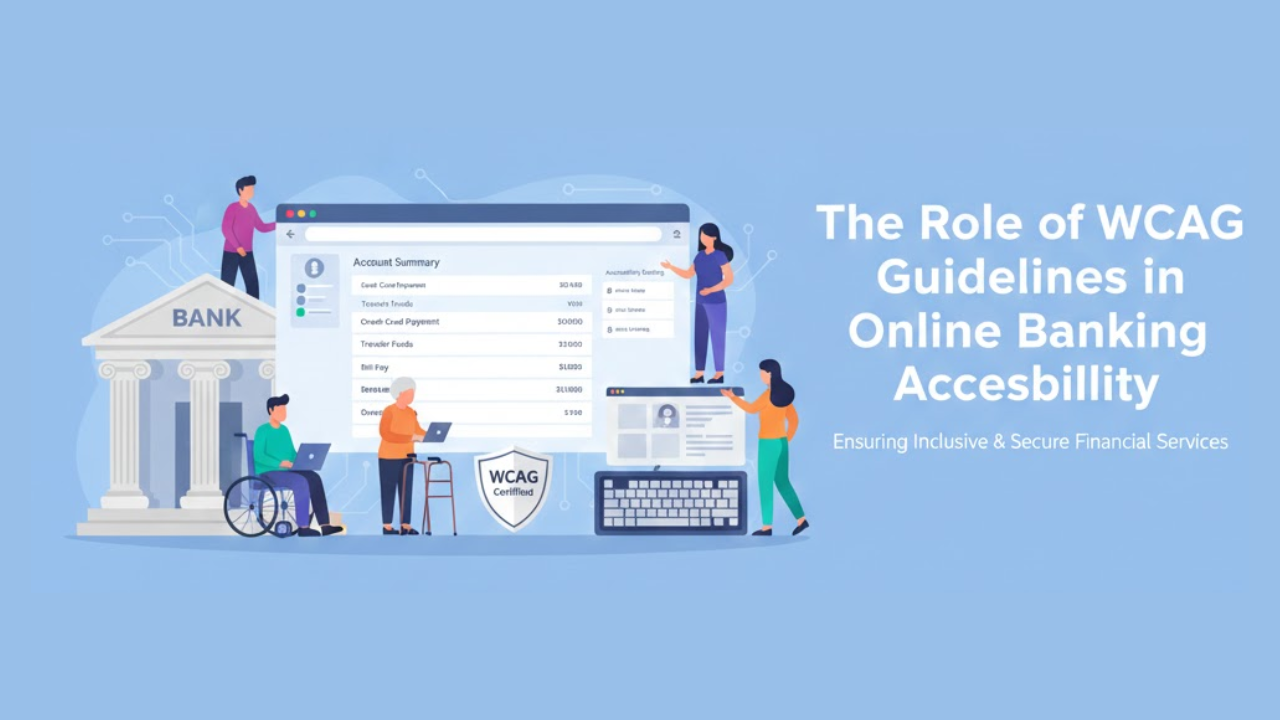
Online banking is now part of everyday life. People check balances in the morning. They pay bills at night. They transfer money while traveling. Many customers depend fully on websites and mobile apps to manage their finances. Because of this, online banking must work for everyone.
Some users cannot see clearly. Some cannot hear audio. Some cannot use a mouse. Others may process information more slowly. If online banking does not support these needs, it creates barriers. Those barriers can stop people from accessing their own money.
This is where WCAG guidelines become important. WCAG gives clear rules for building websites that everyone can use. In this article, you will understand what WCAG is, why it matters in banking, and how it shapes Online banking accessibility features in real ways.
Online banking is where real life happens now. People pay rent, send money to family, check refunds, and track spending from a phone screen. For many customers, the website or app is the bank. That is why accessibility cannot be “nice to have.” If someone cannot log in, read a statement, or confirm a transfer, the service is not doing its job.
Accessibility means this: the site works for people with different needs and different abilities. Some users rely on screen readers. Some can only use a keyboard. Some need larger text, clearer colors, or simpler steps. When those needs are ignored, customers get stuck. When they are supported, customers feel in control.
Below are ten practical tips that make a real difference. They are written for teams who want clear actions, not vague advice. The focus is on real-world online banking accessibility tasks, such as signing in, paying bills, transferring funds, and reviewing account activity.
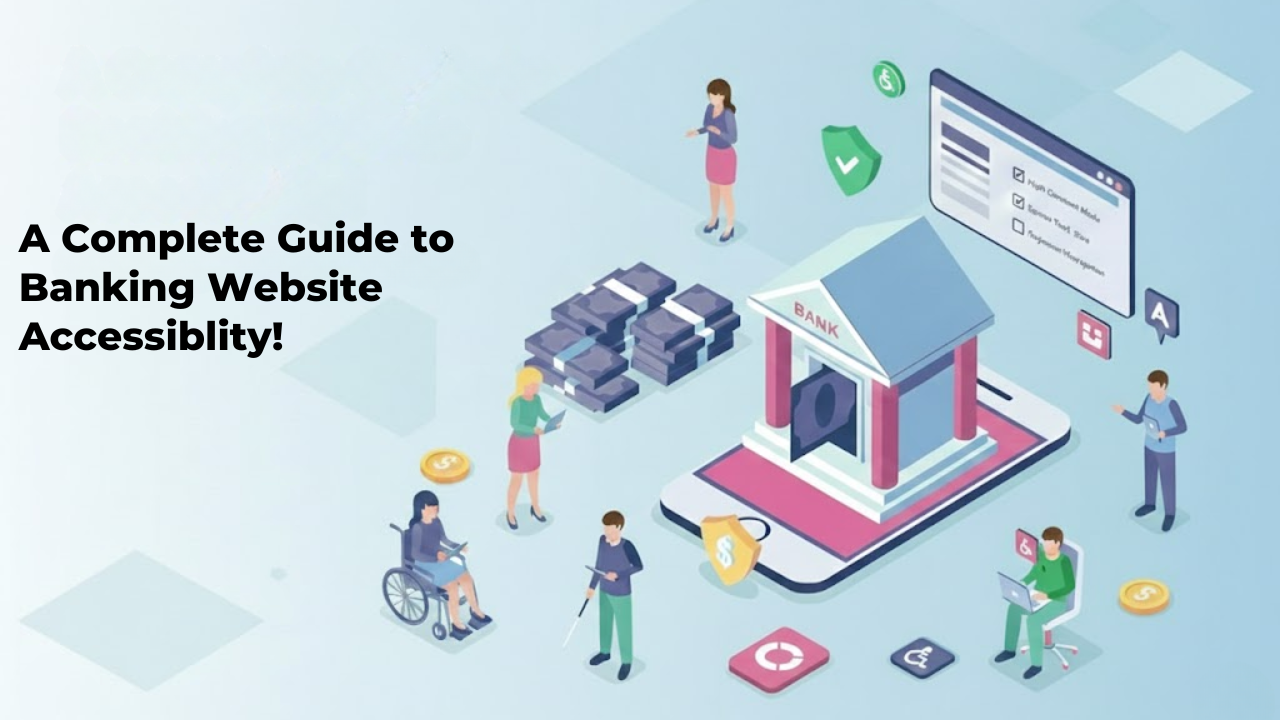
Banking is part of everyday life. People check balances, pay bills, transfer money, and apply for loans online. Many customers rarely visit a physical branch. They depend on websites and mobile apps to manage their finances. Because of this, digital access must work for everyone. If a banking website is hard to use for someone with a disability, that person may lose access to essential services. That is not acceptable.
This complete guide to banking accessibility explains what accessibility means in simple terms. It also explains why it matters and how banks can improve their digital platforms step by step. The goal is clear. Every customer should be able to use online banking without barriers.
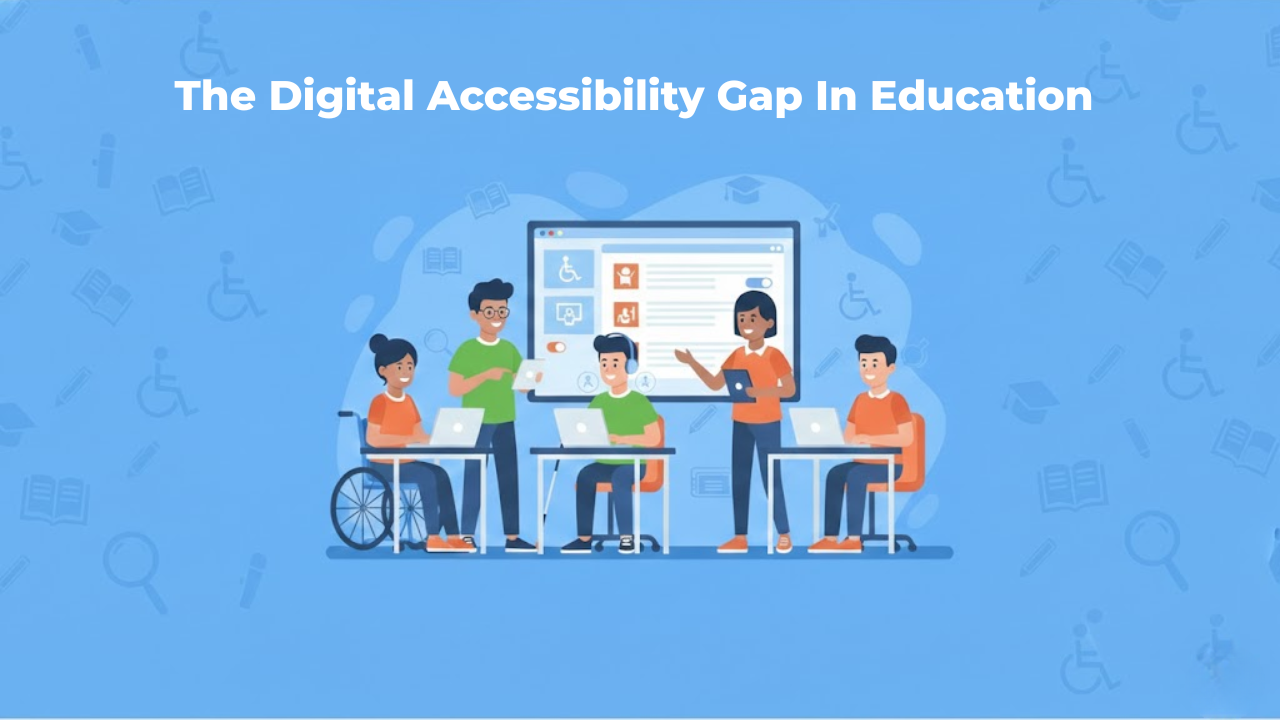
Education has moved online faster than schools could plan for. raising new questions about the accessibility of education. Classes now depend on websites, learning platforms, PDFs, videos, and apps. That shift helps many students, but it also leaves others behind.
When a student cannot read a worksheet because it is an image, that student is blocked. When a video has no captions, that student loses information. When a quiz does not work with a keyboard, the student cannot finish the test.
These are not rare edge cases. They are everyday barriers that add up fast.
One reason this is getting worse is that the web itself is still full of accessibility failures. In WebAIM’s Million report, 95.9% of the top one million home pages had detectable WCAG failures. That tells us something important: if the broader web struggles, education systems that rely on the same tools and habits will struggle too.
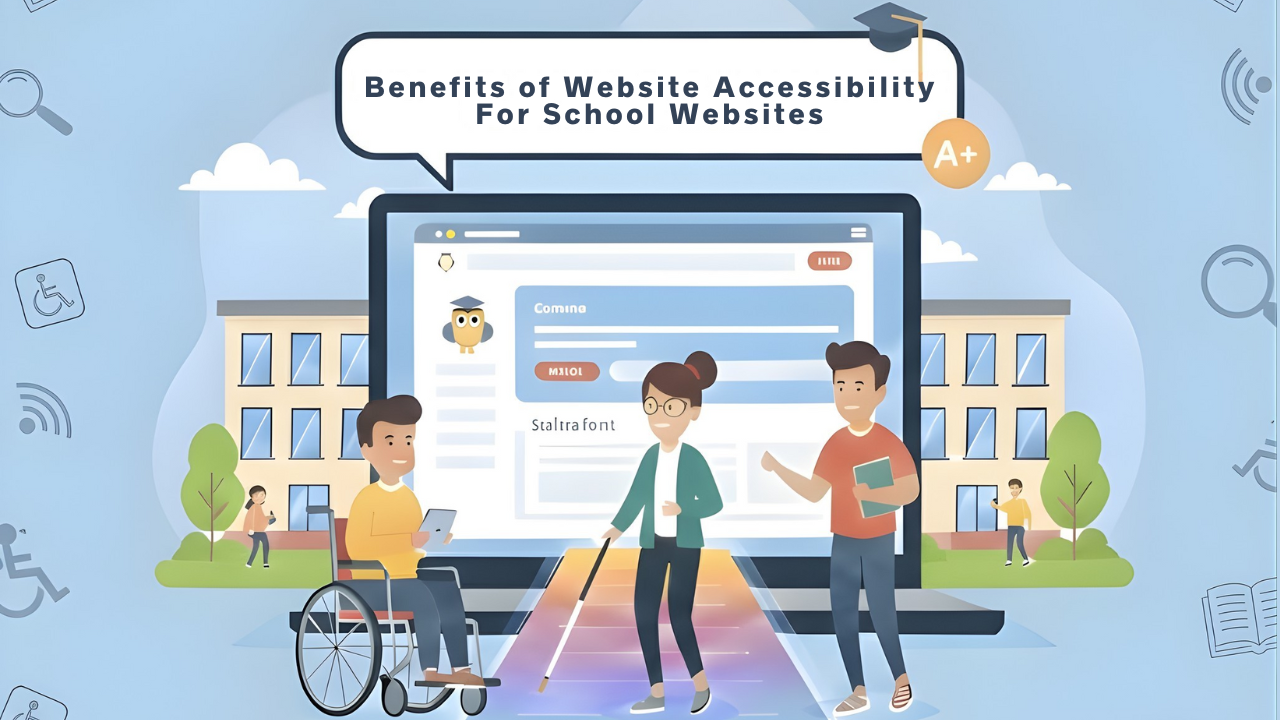
School websites are no longer just online notice boards. They are where families enroll students, check calendars, read updates, download forms, and find support services. They are also where students access learning links, announcements, and resources that shape their day-to-day experience.
Because of this, a school website has to work for everyone. That includes people who use screen readers, people who cannot use a mouse, people who need captions, and people who need clear layouts to understand information without stress.
Website accessibility is the practice of ensuring your online content can be used by as many people as possible.
This article explains the real, practical benefits of Digital Accessibility in Education websites. It also describes how accessibility connects to legal expectations, common barriers, and simple improvements that make a big difference.
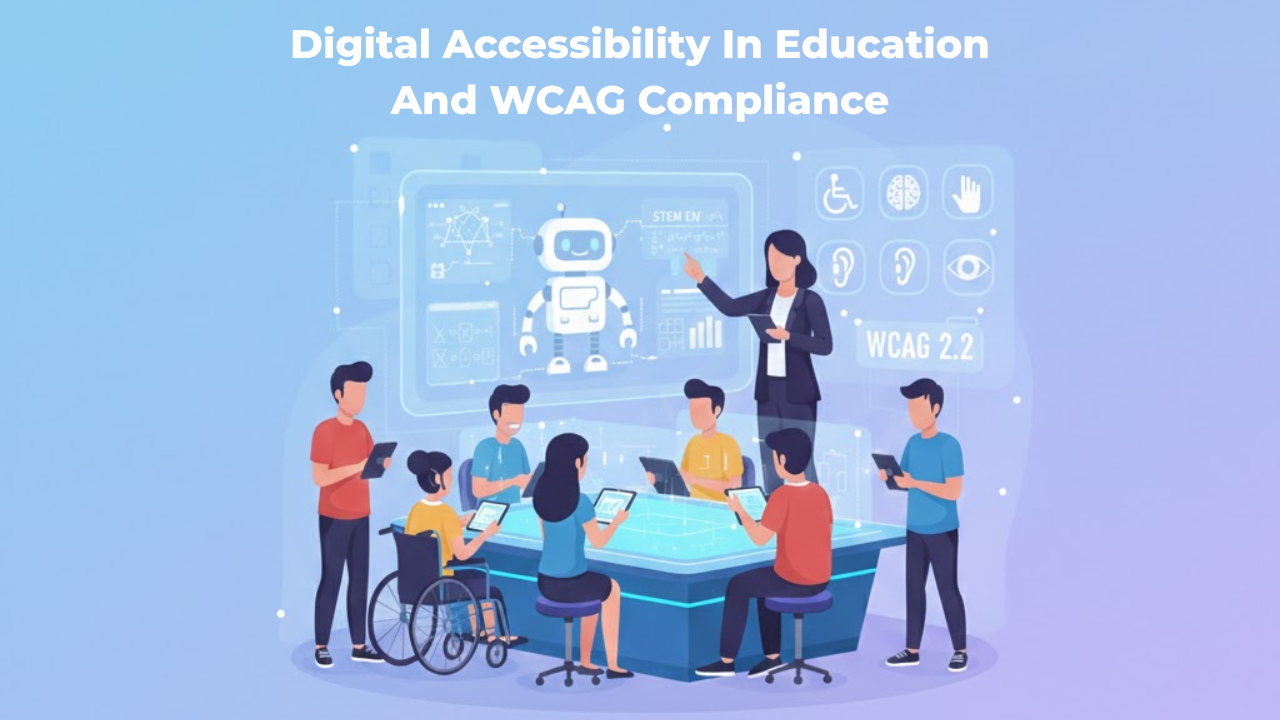
Digital learning has become normal in schools, colleges, and universities. Students attend classes online, submit assignments through portals, watch recorded lectures, and take assessments inside learning systems. Even parents and staff depend on online tools for communication, enrollment, scheduling, payments, and support.
But here is the truth: digital education is only effective when everyone can use it. If a student cannot read a PDF with a screen reader, cannot navigate a portal with a keyboard, or cannot understand a video without captions, the learning experience becomes unfair and stressful. This is precisely why digital accessibility matters in education.
Digital accessibility means that online learning content and tools are designed so that people with different abilities can use them without barriers. It is not just a technical requirement. It is part of equal access, inclusive learning, and good educational design.
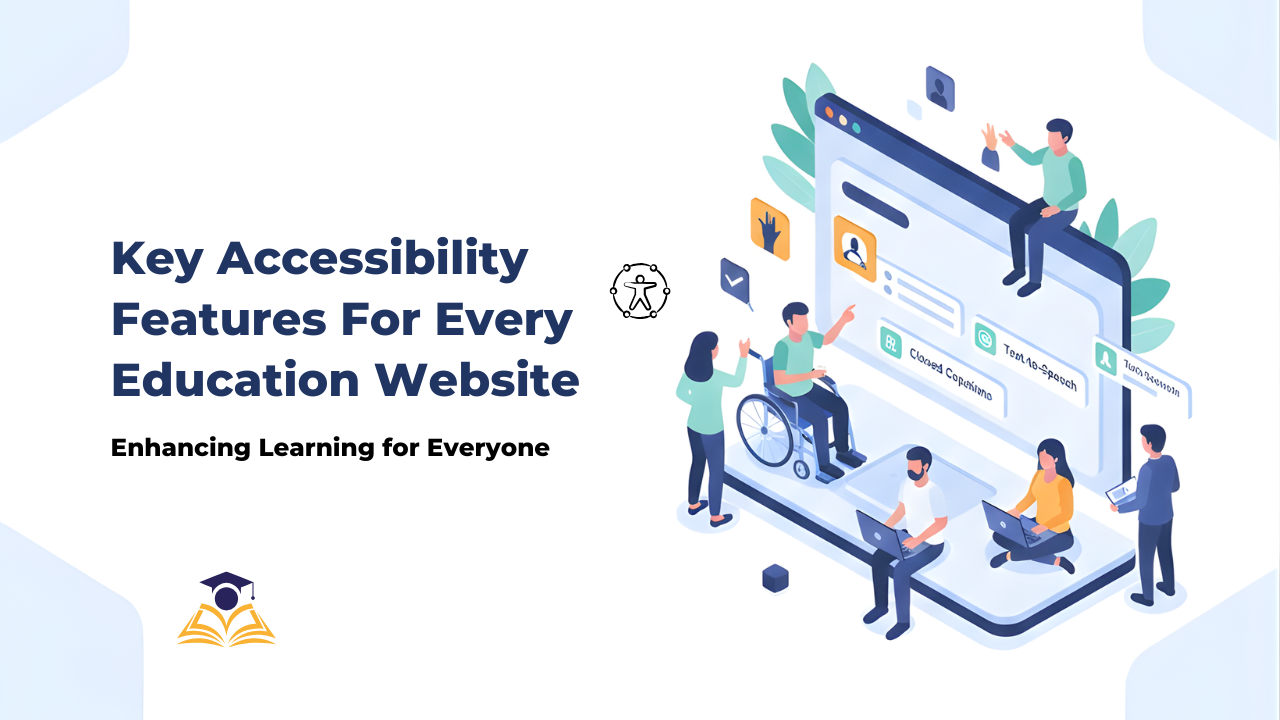
Education websites are no longer just “nice to have” tools. They are where people learn, enroll, pay fees, find help, and stay informed.
And many people depend on them in ways we do not always see.
In the United States, 7.5 million students ages 3–21 were served under IDEA in the 2022–23 school year.
That is one reason accessibility in education matters so much. If a website blocks someone from reading a lesson, filling a form, or finding support, it can block real learning.
This article explains what to build and what to fix to improve accessibility.
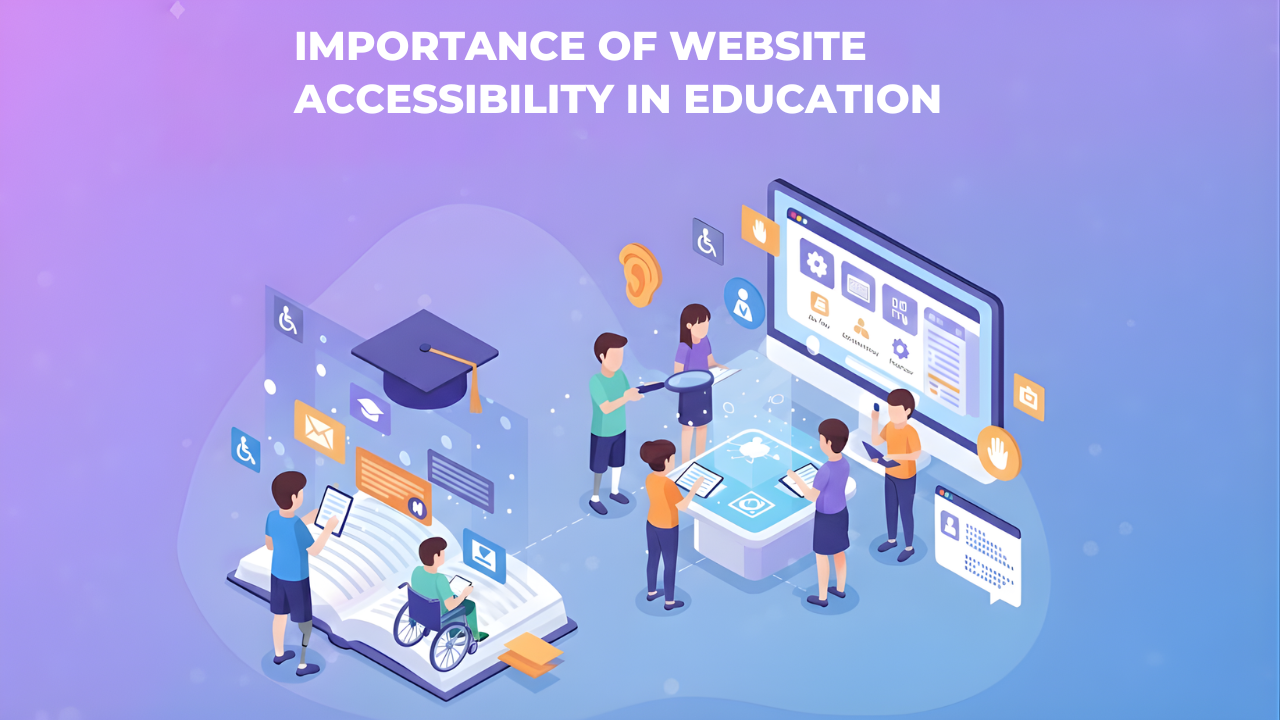
Website accessibility in education means everyone can use the school or college website, regardless of their abilities or the device they use. A student using a screen reader should be able to access course materials just as easily as a student using a mouse. A parent on an old phone should be able to check their child's grades without barriers.
This matters more in educational settings than almost anywhere else. Schools and colleges serve entire communities with vastly different abilities, devices, and technical skills. When an educational website isn't accessible, it blocks students from learning and families from staying informed.
This blog focuses on the real value and impact of accessibility. You'll understand why accessibility in education goes far beyond legal compliance and how it creates better experiences for everyone in your educational community.
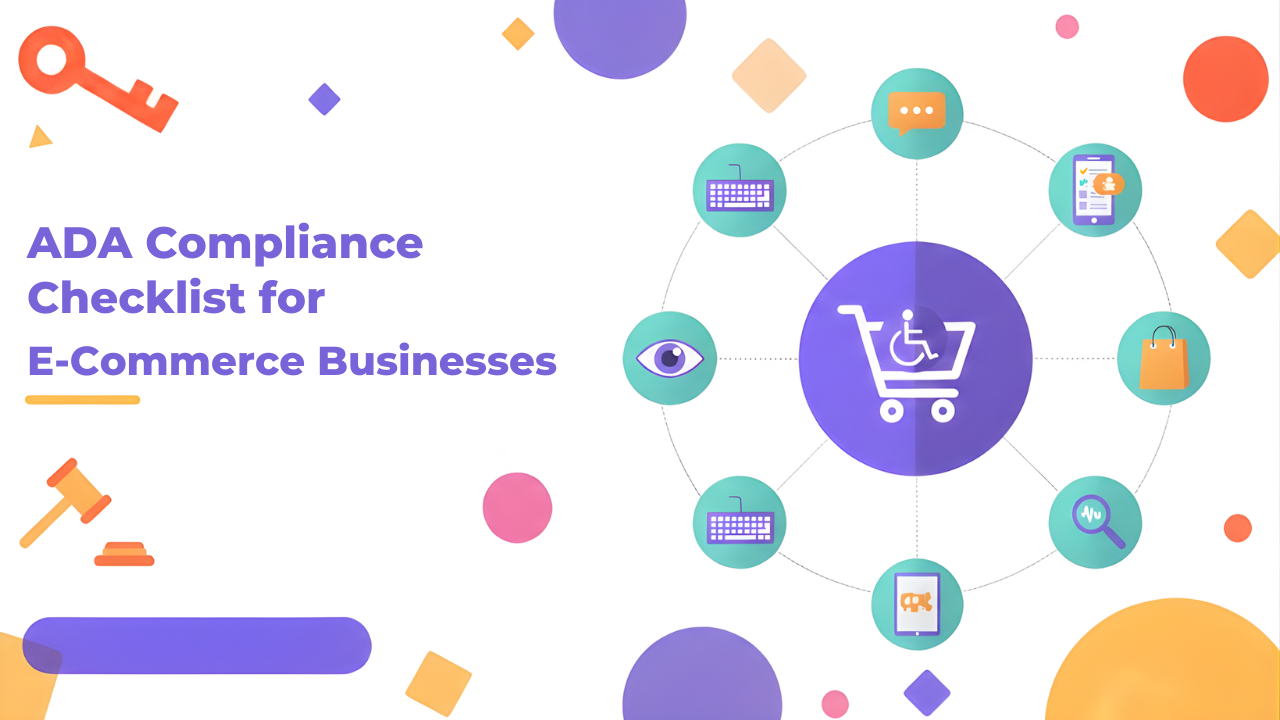
Your online store needs to work for everyone. That includes the millions of people with disabilities who shop online every day.
ADA compliance for ecommerce isn't optional anymore. It's a legal requirement. More importantly, it's the right thing to do. When your website is accessible, you open your business to a much larger customer base.
The problem is that most ecommerce sites weren't built with accessibility in mind. Buttons that screen readers can't identify. Images without descriptions. Checkout processes that keyboard users can't complete. These barriers lock out potential customers and expose you to lawsuits.
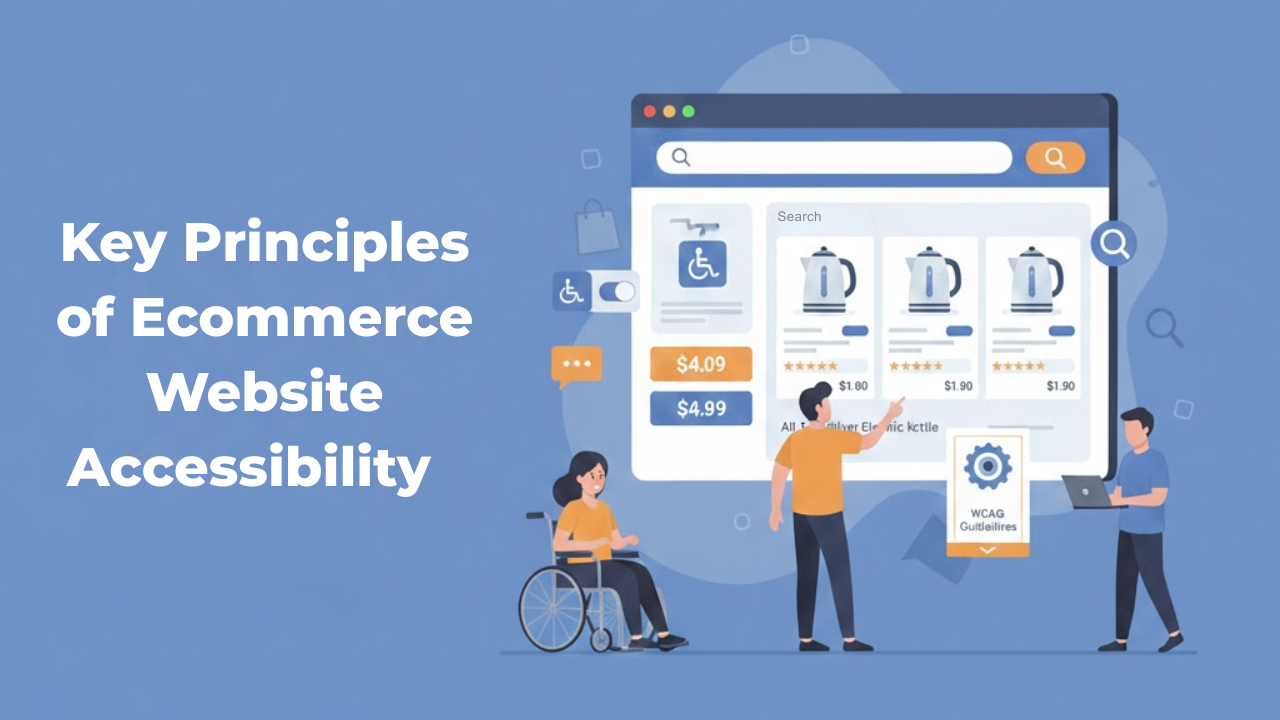
Ecommerce websites are an integral part of our daily lives. Customers use them to purchase clothing and tickets, buy food items, and organize their essentials. However, not all people experience these sites in the exact way. For many, obstacles such as poor navigation, unclear text, or confusing checkout flow make shopping online difficult and sometimes impossible.
This is the point at which Ecommerce accessibility principles come into play. These guidelines help ensure that online stores are accessible for everyone, even those who have hearing, visual, and motor impairments. When accessibility is integrated into an online store, it improves accessibility for all customers, not only disabled people.
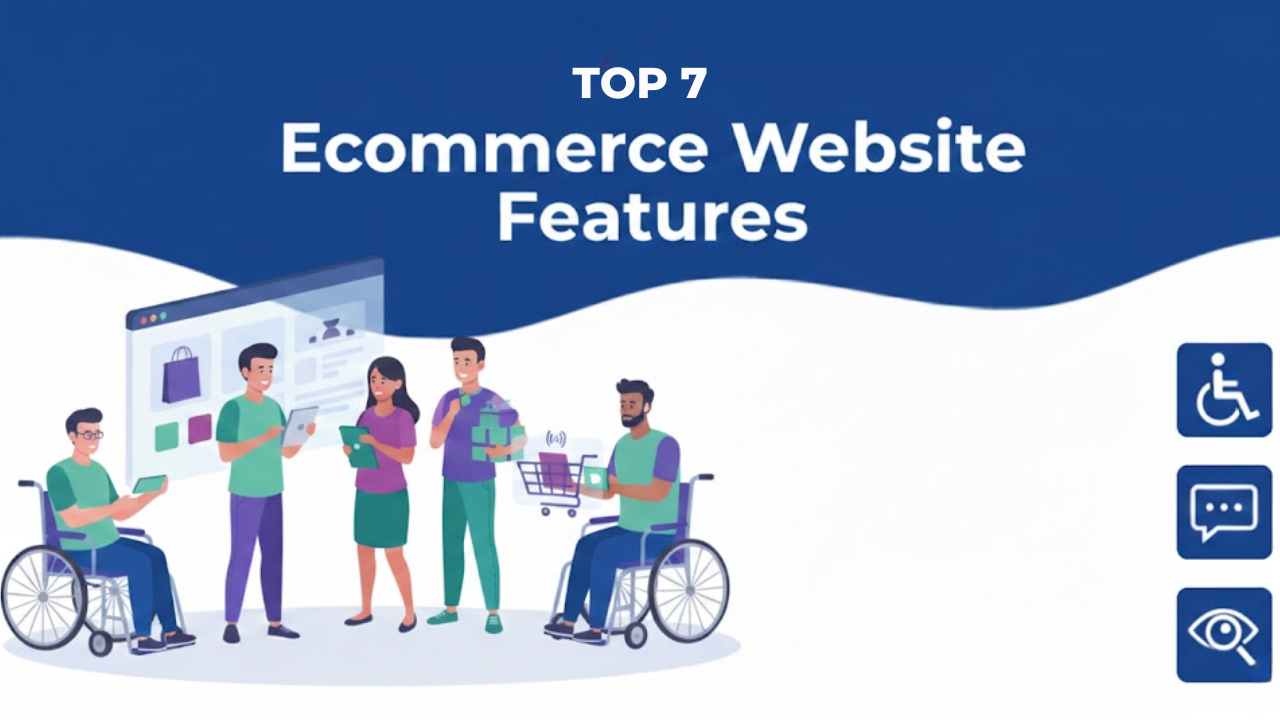
Most online stores are built to look good. But shopping is not only about looks. It is about getting the job done. A shopper should be able to browse, compare, and check out without getting stuck.
That is what accessibility helps you achieve. Ecommerce accessibility is often explained as “support for people with disabilities.”
In this blog, you will learn seven accessibility features for websites that make an online store easier to use.
They also help reduce common drop-offs during browsing and checkout
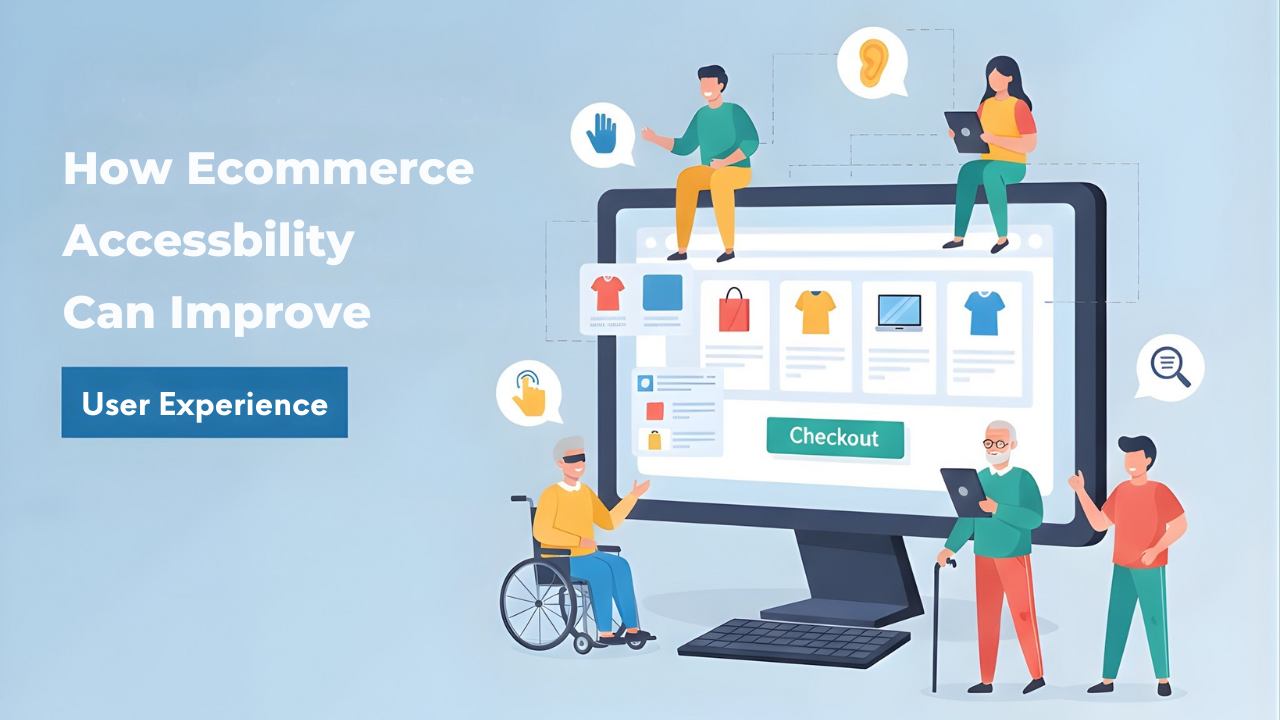
When someone shops online, they want a smooth path. They want to find a product, understand it, and buy it without friction. Accessibility helps make that path smoother.
It removes barriers that block real people from using your store.
Web accessibility means your site is designed so people with disabilities can perceive, understand, navigate, and interact with it. But here is the crucial part. Many accessibility improvements also make sites easier for everyone, including people in bright sunlight, on small screens, or dealing with slow connections.
Ecommerce accessibility means your online store works for people with different abilities. It means shoppers can browse, read, click, and pay without hitting barriers.
This is not a “nice-to-have” detail. It affects real people and real revenue. A shopper may use a screen reader. Another may not use a mouse. Someone else may need bigger text, clearer buttons, or captions. If your store blocks them, you lose a sale. And they may never come back.
This blog will help you learn what accessibility looks like in a real store, what standards people use, what legal updates are worth knowing, and what to fix first.
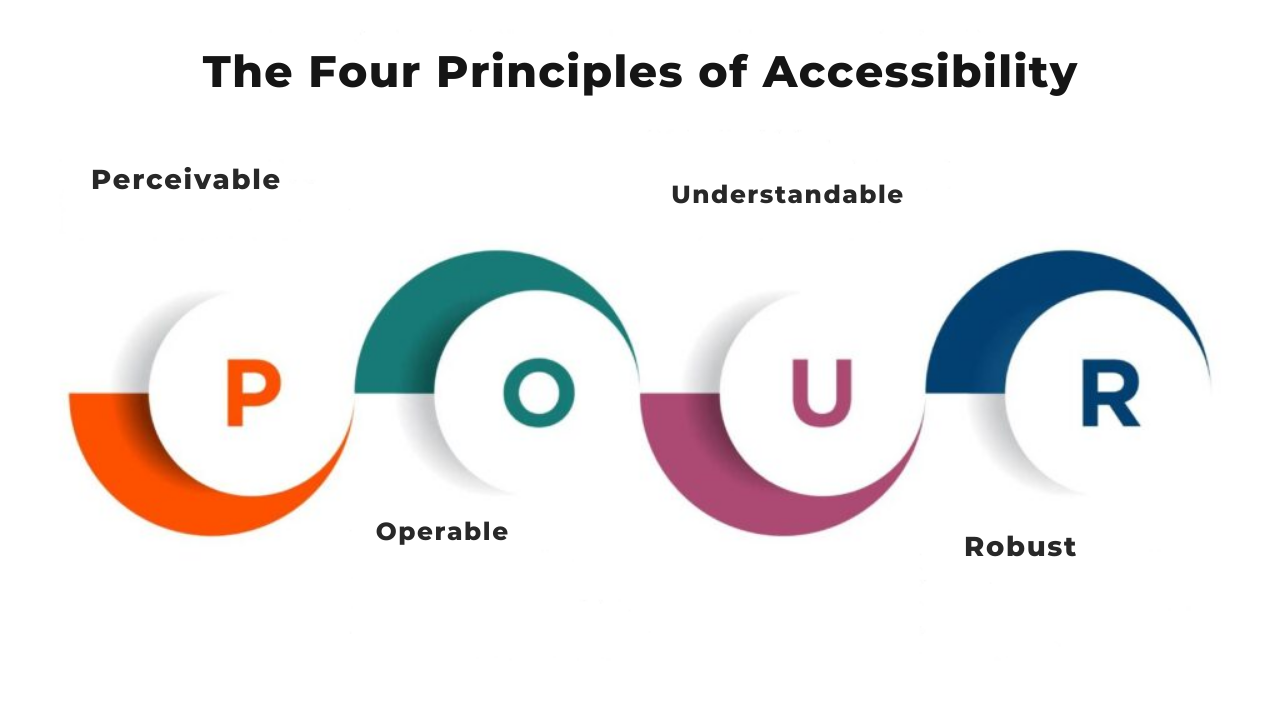
You've probably heard that websites should be accessible. But what does that actually mean? Where do you even start?
The answer is simpler than you think. Web accessibility boils down to four basic ideas. Get these right, and you're well on your way to building websites that work for everyone.
These four principles come from WCAG, which stands for Web Content Accessibility Guidelines. They form the foundation of everything else in web accessibility. Think of them as your starting point for understanding accessibility principles and how they shape the web.
This blog will discuss what each principle means and why it matters.
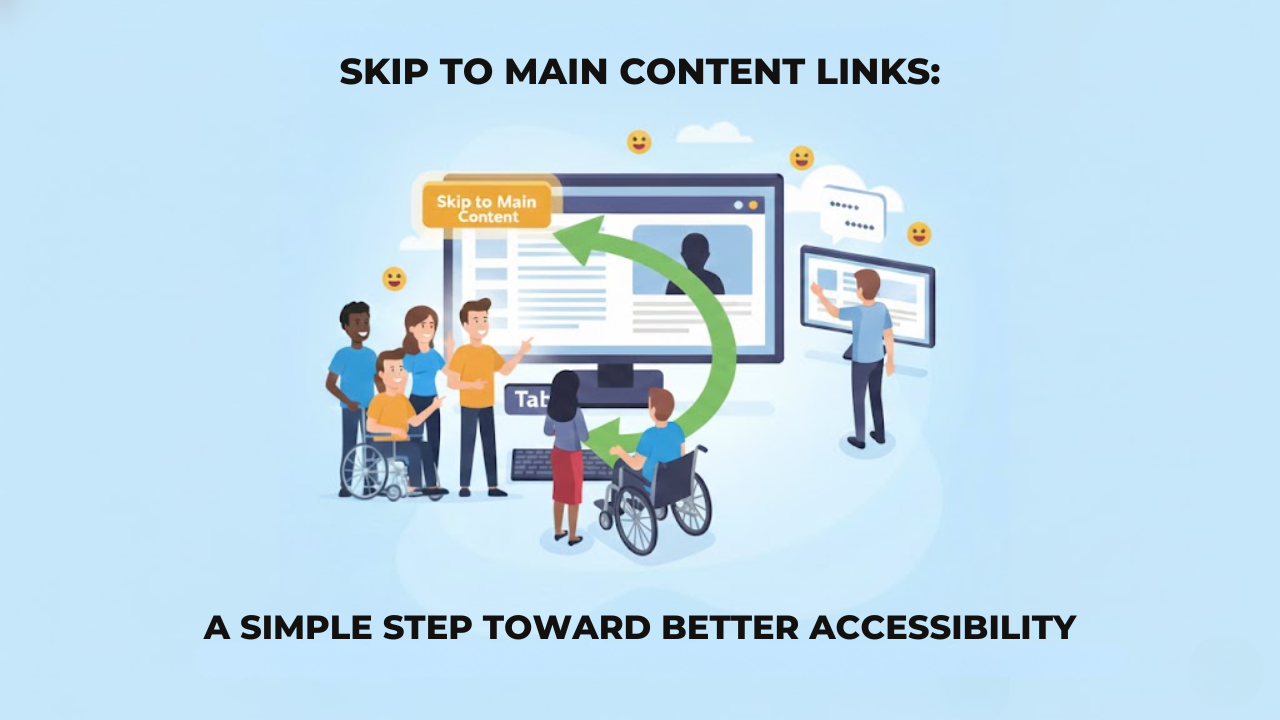
When you open a website, you probably scroll or click without thinking much about it. You see the menu, you ignore it, and you go straight to what you want, so it feels easy.
But that is not how everyone experiences a website.
Some people do not use a mouse at all. They move through a page using a keyboard. Some people cannot see the screen and rely on a screen reader to read the page out loud. For them, a website feels very different. which is why regular accessibility monitoring is important to understand how real users interact with your content.
Every menu item, every link, every button is reached one at a time.
If a page has an extended header with many links, they must go through all of it before they reach the actual content.
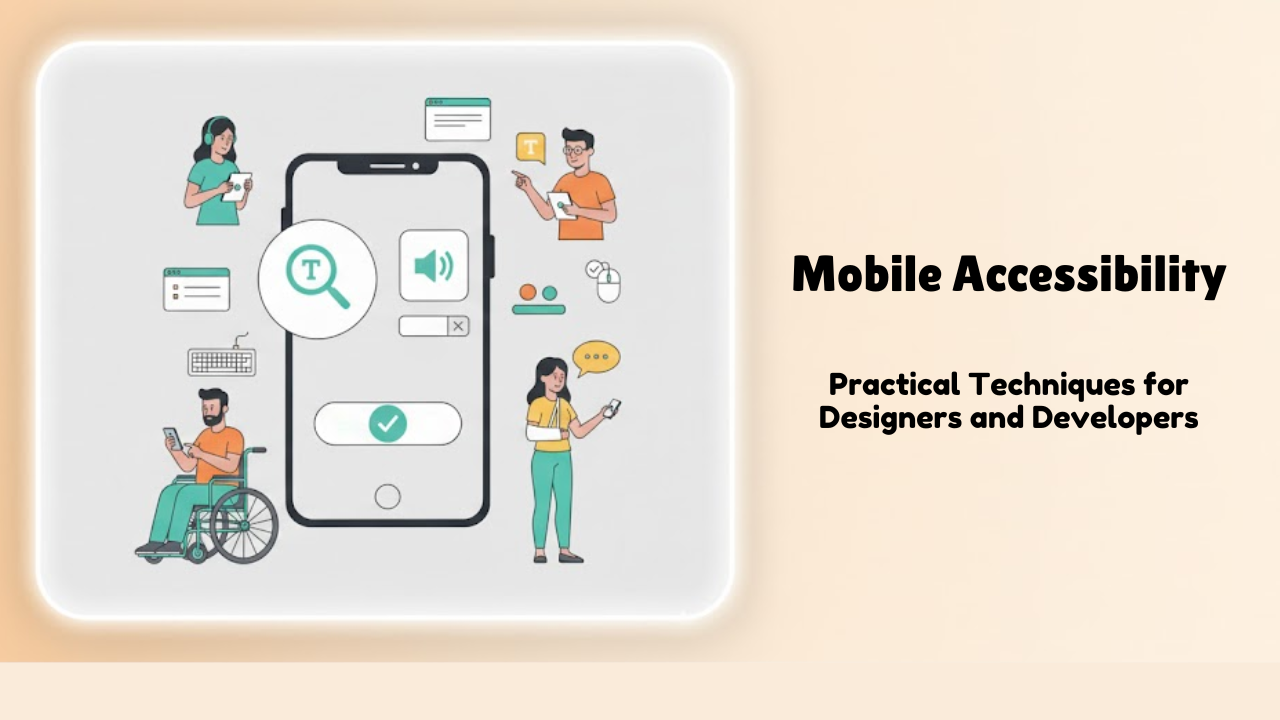
Think about how often we use our phones every day. We order food, read news, book rides, shop, and chat, all from small screens. Now imagine trying to do all of that if you can’t see clearly, can’t tap tiny buttons, or rely on a screen reader to understand what’s on the screen.
That’s where mobile accessibility comes in.
Mobile accessibility means making sure your mobile website or app works for everyone, including people with disabilities. It’s not about doing something extra or fancy. It’s about designing and building things in a way that doesn’t leave people out.
The good news? When you design for accessibility, you usually end up creating a better experience for all users — not just those with disabilities.
You know what's frustrating? Building a website that accidentally locks people out.
It happens more than you'd think. Companies spend months creating websites, but then they skip proper accessibility user testing. The result? Millions of people can't use what you made.
Testing for accessibility sounds straightforward. But teams make the same mistakes over and over. Let's talk about what goes wrong and how you can do better.
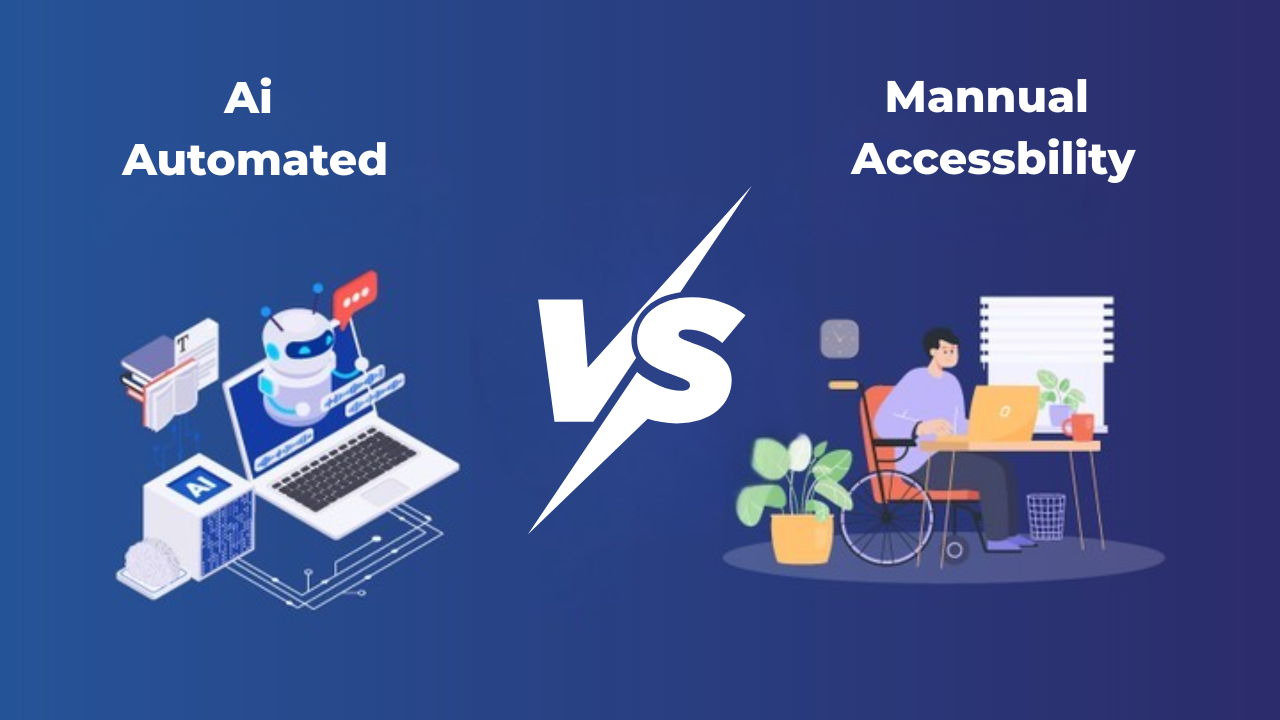
If you build websites or apps, you’ve probably noticed that everyone uses the internet differently. Some people click with a mouse. Some navigate only with a keyboard. Others rely on screen readers to hear the content. Many need bigger text or simple headings to stay oriented. Automated Accessibility testing helps you make sure all these users can move through your design without barriers.
There are two main ways to test accessibility: manual testing and automated testing. Many people try to compare them and decide which one is better. But they are different for a reason. Each method finds different problems and fills different gaps. If you want your work to be truly accessible, you need to understand how they differ and why both matter.
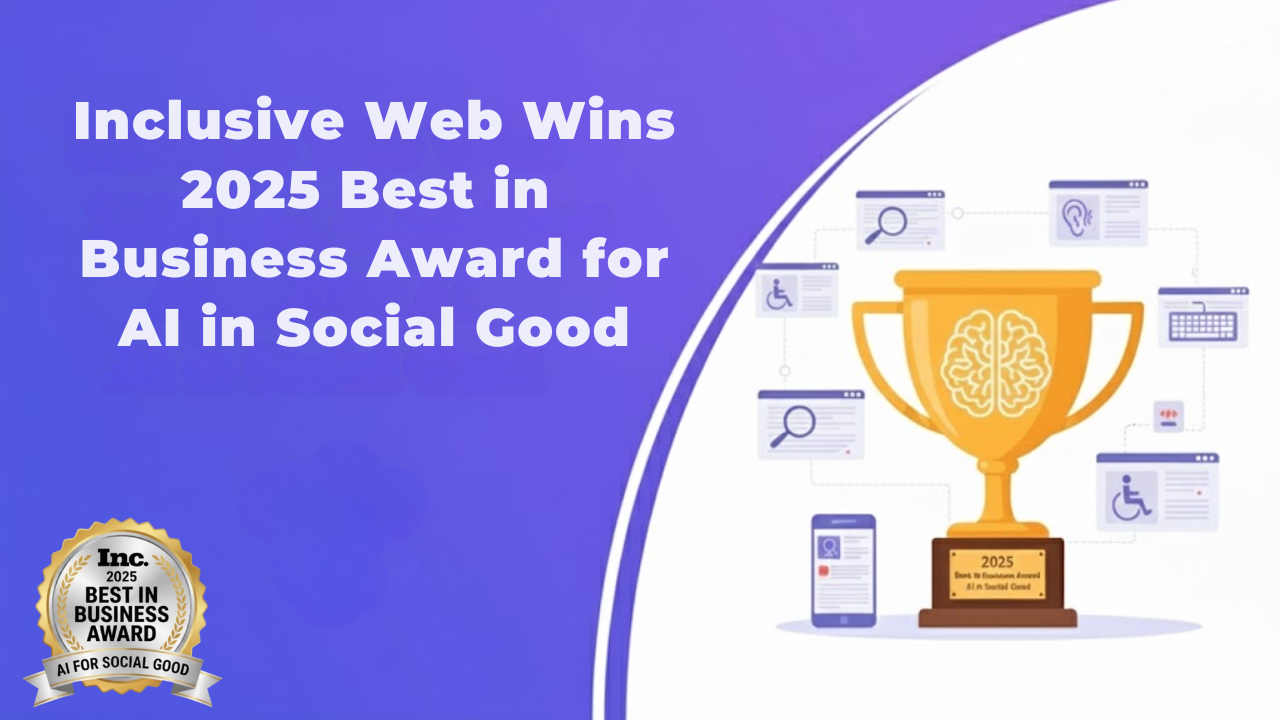
Inclusive Web is honoured to have won the 2025 Inc. Best In Business Awards in the category for Best AI Implementation for Social Good. This award acknowledges our efforts as one of the few companies that use Leverage technological advances to improve the Society at Large while continuing the expansion of our own company.
The award represents more than simply an acknowledgement of our work; it is also a celebration of many years of dedicated efforts by our team members to make the digital economy accessible to everyone. For individuals with disabilities, access to the Internet is often limited or non-existent and our goal has always been to change that.
-
Web accessibility ensures websites are usable by people with disabilities, following standards like WCAG to improve access and compliance.
-
ADA compliance helps businesses reduce legal risk, improve usability, and provide equal access to users across digital platforms.
-
WCAG compliance means aligning your website with recognized accessibility guidelines to ensure it works with assistive technologies.
-
Most website accessibility audits are completed within a few business days, depending on website size and complexity.
-
Ongoing monitoring helps maintain compliance as your website updates, ensuring accessibility standards remain aligned over time.
Frequently Asked Questions

Find Us
Our headquarters is conveniently located in downtown San Francisco, easily accessible by public transit.